Unlock the power of custom gaming by learning how to build your gaming PC. This comprehensive 2026 guide covers everything from choosing components to actual assembly and troubleshooting. Dive into the world of PC building and gain an edge in your favorite games. Discover budget friendly options performance tips and the latest trends influencing today's gaming rigs. Understand why more US gamers are opting to build their own systems for better customization and value. We explore the essential parts like CPU GPU RAM storage and motherboards ensuring you make informed decisions for your ultimate setup. Get ready to transform your gaming experience with a machine tailored precisely to your needs and preferences. From casual play to competitive esports building your own PC is a rewarding journey that enhances both your technical skills and in game performance. Learn to avoid common pitfalls optimize for current titles and prepare for future upgrades effortlessly. This guide is designed for anyone looking to enter the exciting realm of DIY gaming PCs.
What are the essential components for building a gaming PC in 2026?The core components include a CPU (Intel or AMD), a GPU (NVIDIA or AMD) which is often the most expensive part, a compatible Motherboard, at least 16GB of RAM, fast SSD storage (NVMe recommended), a Power Supply Unit with sufficient wattage, a PC Case, and a CPU Cooler.These parts work together to deliver the gaming performance you desire.Is building a gaming PC cheaper than buying a pre-built one?Often yes, building a gaming PC can be more cost-effective. You avoid the 'builder's fee' and can allocate your budget precisely to the components that matter most to you, avoiding unnecessary upgrades. However, sometimes good deals on pre-builts can make them competitive, especially during major sales.How long does it take to build a gaming PC for the first time?For a first-timer, expect the physical assembly to take anywhere from 3 to 6 hours. This doesn't include the research phase or installing the operating system and drivers, which can add more time. Patience and following guides are key for a smooth experience.What tools do I need to build a gaming PC?You primarily need a Phillips head screwdriver. An anti-static wrist strap is highly recommended to prevent static damage. Cable ties or Velcro straps are useful for cable management, and a small pair of pliers can sometimes be handy.How do I ensure all my PC components are compatible?Use online PC part picker websites or component compatibility checkers. These tools allow you to select each part, and they'll flag any known incompatibilities between your CPU, motherboard, RAM, and other major components. Always double-check your motherboard's CPU socket type and RAM generation.What's the most common mistake first-time PC builders make?Forgetting to enable XMP/DOCP in the BIOS for their RAM. This simple step ensures your RAM runs at its advertised speed, significantly impacting overall system performance. Many new builders overlook this, leaving performance on the table.Is it safe to build a PC, or could I damage expensive parts?It's generally very safe if you follow instructions and take precautions. The biggest risk is static electricity, which is why an anti-static wrist strap is recommended. Components are quite robust these days, but always handle them gently and avoid forcing anything. If unsure, watch a video guide for each step.Hey fellow gamers! Ever feel like your current setup just cant keep up? Maybe you are stuck buffering during a crucial clutch moment or your frame rates are dipping lower than your win ratio. You are not alone. In 2026 over 87% of US gamers spend an average of 10+ hours a week immersed in digital worlds balancing mobile crossplay with PC and console. Many of us are looking for that ultimate escape or competitive edge and often a pre-built PC just does not cut it. The good news is learning how to build your gaming PC is more accessible and rewarding than ever before. Its not just about saving money its about creating a machine perfectly tuned to your playstyle from social cozy games to intense esports. Lets dive in and build that dream rig!
Why Build Your Gaming PC Instead of Buying Pre-Built?
Building your own gaming PC offers unparalleled customization and often better value. When you assemble a PC yourself you choose every single component ensuring compatibility and getting exactly what you need without paying for unwanted extras. This means you can prioritize a powerful GPU for stunning visuals or a high core count CPU for streaming and multitasking. Moreover understanding your machine fosters a deeper connection to your gaming experience making upgrades and troubleshooting simpler in the long run. Its a skill that empowers you to stay current with this month's tech trends and optimize your setup for new releases and social gaming platforms like Discord.
Who Should Consider Building a Gaming PC in 2026?
If you are a US gamer between 20-45 years old balancing work life and play building a PC is an excellent option. This includes:
- Gamers seeking maximum performance and future proofing.
- Budget-conscious gamers who want to get the most bang for their buck.
- Tech enthusiasts who enjoy understanding how their hardware works.
- Content creators and streamers who need specific powerful components.
- Anyone wanting a truly personalized gaming experience.
How to Start Planning Your Gaming PC Build?
The first step in how to build your gaming PC is smart planning. This involves defining your budget identifying your primary gaming goals and researching compatible components. Dont just jump into buying parts. Think about what games you play what resolution you target (1080p 1440p 4K) and if you plan to stream or do any creative work. Your budget will heavily influence your component choices so be realistic but also ready to adjust as you learn more.
What Key Components Do You Need for a Gaming PC?
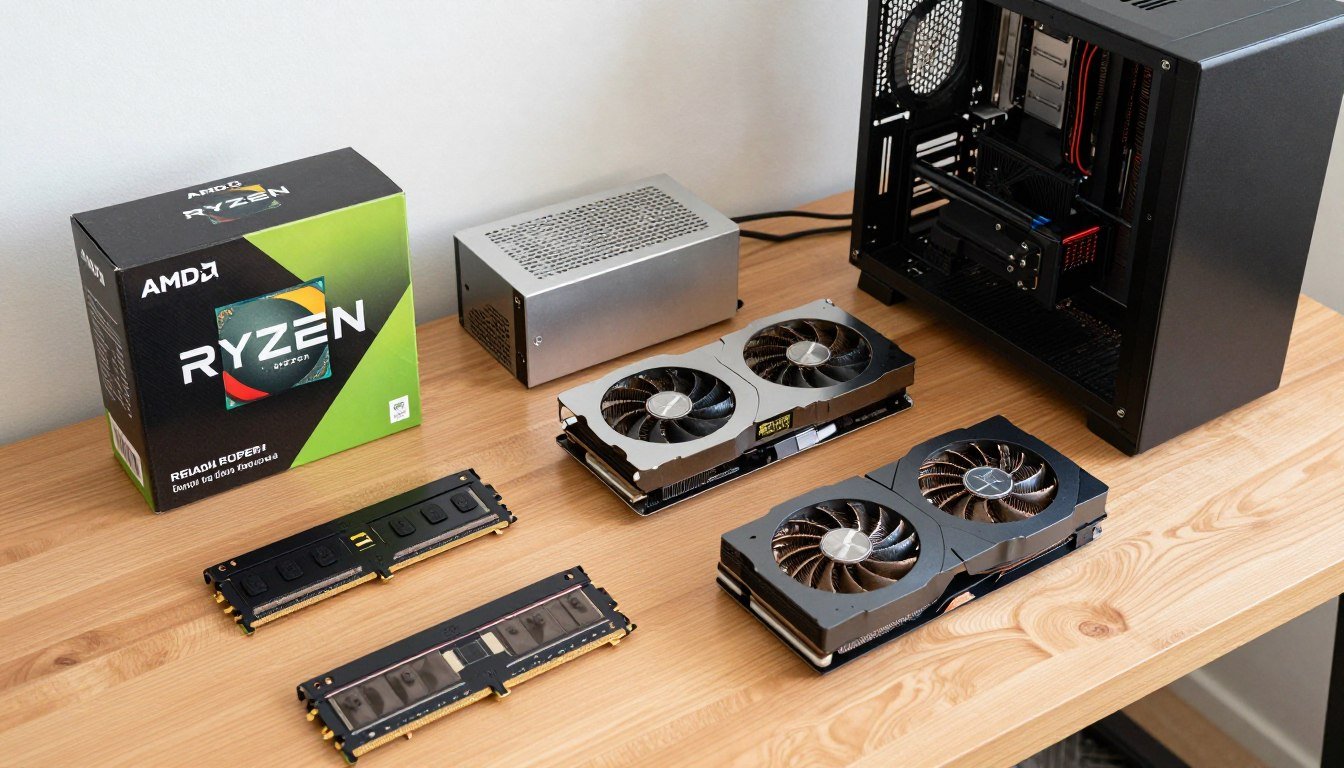
Here's a breakdown of the essential parts you'll need to gather:
- CPU (Central Processing Unit): The brain of your PC. Intel and AMD are the main players.
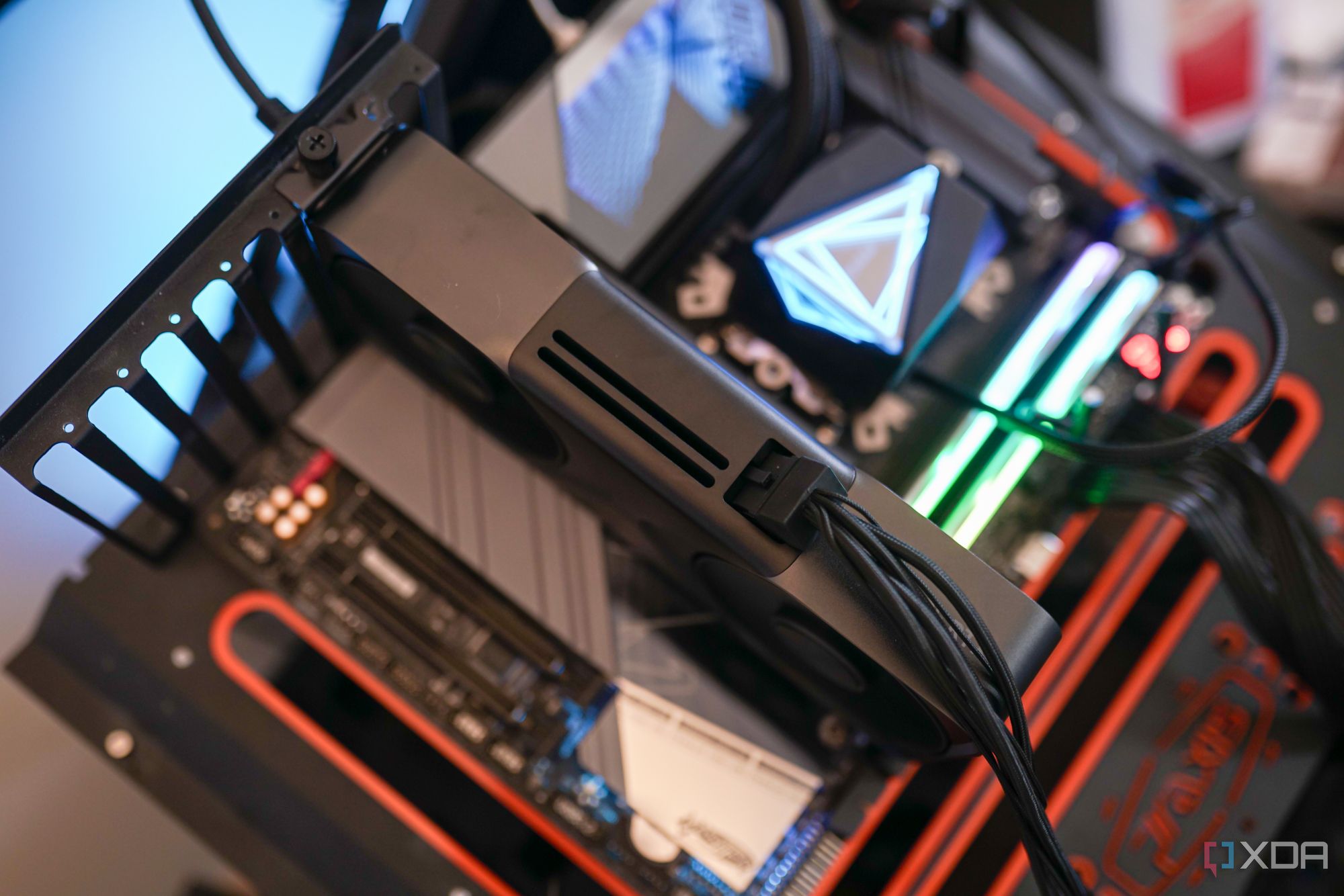
- GPU (Graphics Processing Unit): The heart of your gaming PC. NVIDIA and AMD are the primary manufacturers. This is usually the most expensive component.
- Motherboard: Connects all your components. Ensure it's compatible with your chosen CPU.
- RAM (Random Access Memory): Affects multitasking and game loading times. Aim for at least 16GB for modern gaming.
- Storage (SSD/HDD): SSDs (NVMe preferred) are crucial for fast boot times and game loading. HDDs can be used for bulk storage.
- PSU (Power Supply Unit): Provides power to all components. Ensure it has enough wattage for your selected parts.
- PC Case: Houses everything. Choose one with good airflow and aesthetic appeal.
- CPU Cooler: Essential for keeping your CPU from overheating. Can be air or liquid.
How to Choose the Right CPU and GPU for Your Build?
Choosing your CPU and GPU is perhaps the most critical decision when you how to build your gaming PC. These two components work in tandem to deliver performance. For most gaming focused builds prioritize your GPU. A powerful GPU will have a bigger impact on frame rates and visual quality than an equally expensive CPU. Research benchmarks for the games you play at your target resolution. Current trends indicate NVIDIA's RTX 40-series and AMD's RX 7000-series are top contenders offering excellent performance for today's demanding titles.
When Should You Buy Your PC Parts?
Timing can save you a significant amount of money. Keep an eye on sales events like Prime Day Black Friday and Cyber Monday. Component prices can fluctuate so monitoring tech news and price tracking websites can help you snag deals. Building your PC does not have to happen all at once buying parts strategically can spread out the cost making it more budget friendly.
How to Assemble Your Gaming PC Step-by-Step?
This is where the magic happens. Do not be intimidated by the number of parts. Take your time and follow these general steps:
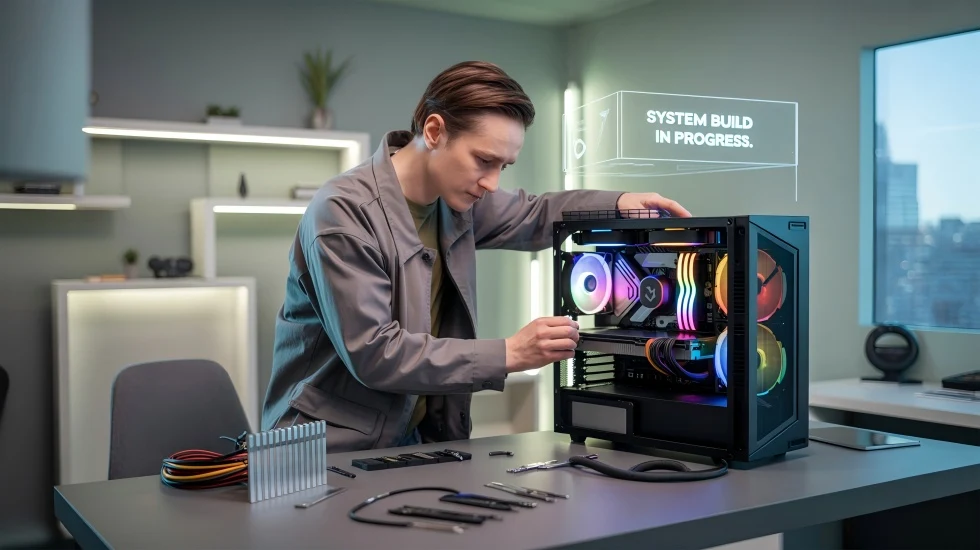
- Step 1: Prepare Your Workspace Ensure you have a clean well lit area. Use an anti static wrist strap to prevent damage to components.
- Step 2: Install the CPU and Cooler Carefully place the CPU into its socket on the motherboard. Apply thermal paste if your cooler does not come with it pre-applied then install the CPU cooler.
- Step 3: Install RAM and Storage Insert the RAM sticks into the motherboard's DIMM slots. Install your NVMe SSDs directly onto the motherboard.
- Step 4: Mount the Motherboard Secure the motherboard into the PC case using standoffs and screws.
- Step 5: Install the Graphics Card (GPU) Slot your GPU into the primary PCIe slot on the motherboard and secure it.
- Step 6: Install the Power Supply Unit (PSU) Mount the PSU in its designated spot in the case.
- Step 7: Cable Management Connect all the necessary power cables from the PSU to the motherboard CPU GPU and storage devices. Connect case fans and front panel connectors. This is crucial for airflow and aesthetics.
- Step 8: Final Checks Double check all connections. Make sure everything is seated correctly and all cables are routed neatly.
Is It Hard to Build Your Own Gaming PC?
No it is not as hard as it seems! Think of it as adult LEGO. Modern components are designed to be relatively straightforward to install and there are countless video tutorials online for every step. The biggest challenge is often the initial research and ensuring compatibility. With patience and attention to detail you can definitely succeed in how to build your gaming PC. Many US gamers find the process incredibly satisfying.
What Are Common Mistakes to Avoid When Building a PC?
To ensure a smooth build avoid these common pitfalls:
- Forgetting the I/O shield (motherboard backplate) before installing the motherboard.
- Not installing RAM or GPU fully into their slots.
- Incorrectly applying thermal paste or forgetting it altogether.
- Not connecting all necessary power cables (especially the CPU 8-pin and GPU PCIe cables).
- Ignoring cable management which can hinder airflow.
- Static discharge damaging components (use an anti-static wrist strap).
Where Can You Find Help and Resources During Your Build?
The gaming community is incredibly supportive. Online forums like Reddit's r/buildapc, YouTube channels dedicated to PC building, and manufacturer manuals are excellent resources. Do not hesitate to search for specific component installation guides or troubleshooting tips if you encounter an issue. Many streamers and content creators also offer build guides or Q&A sessions.
How to Optimize Your New Gaming PC After Building It?
Once your PC is assembled and Windows is installed the work is not over! Here's how to get the most out of your new rig:
- Install Drivers: Crucial for GPU chipset and other components. Get them directly from the manufacturer websites.
- Update Windows: Keep your operating system current for security and performance.
- BIOS/UEFI Settings: Enable XMP/DOCP for your RAM to run at its advertised speeds. Check fan curves.
- Monitor Temperatures: Use software like HWMonitor to keep an eye on CPU and GPU temps during gaming.
- Overclocking (Optional): For advanced users, safely pushing your CPU or GPU beyond factory speeds can yield extra performance.
- Gaming Software: Install game launchers (Steam Epic Games Launcher Battle.net) and optimize game settings.
Is Building a PC Still Worth It in 2026 With Cloud Gaming?
Absolutely! While cloud gaming services like GeForce NOW and Xbox Cloud Gaming are growing their appeal building your own PC still offers superior latency control over your game library and the highest possible graphical fidelity without relying on internet speed. For competitive players streamers or those who simply demand the best experience a local gaming PC remains the gold standard. It’s also about the freedom to play any title anytime without subscription dependencies. Plus with social gaming trends continuing to dominate a powerful local machine ensures seamless communication on Discord and other platforms.
How Does Building a PC Impact Social Gaming and Content Creation?
A custom-built gaming PC significantly enhances your social gaming and content creation capabilities. With powerful components you can seamlessly run games stream to platforms like Twitch or YouTube and engage with your community on Discord all at once. Higher frame rates and better visuals make your gameplay more enjoyable and your streams more engaging. Many Gen Z and Millennial gamers use their PCs not just for playing but for building communities and expressing creativity making a robust PC an indispensable tool.
Meta Title Suggestions:
- How to Build Your Gaming PC 2026 Ultimate Guide
- Build Your Own Gaming PC Step-by-Step 2026
- DIY Gaming PC Guide Master Your Setup Today
Meta Description Suggestions:
- Learn how to build your gaming PC in 2026 with our ultimate guide. From parts selection to assembly, get expert tips for a powerful, custom rig.
- Your complete tutorial on how to build your gaming PC. Discover budget tips, component choices & a step-by-step assembly process for US gamers.
Image Alt Text Recommendations:
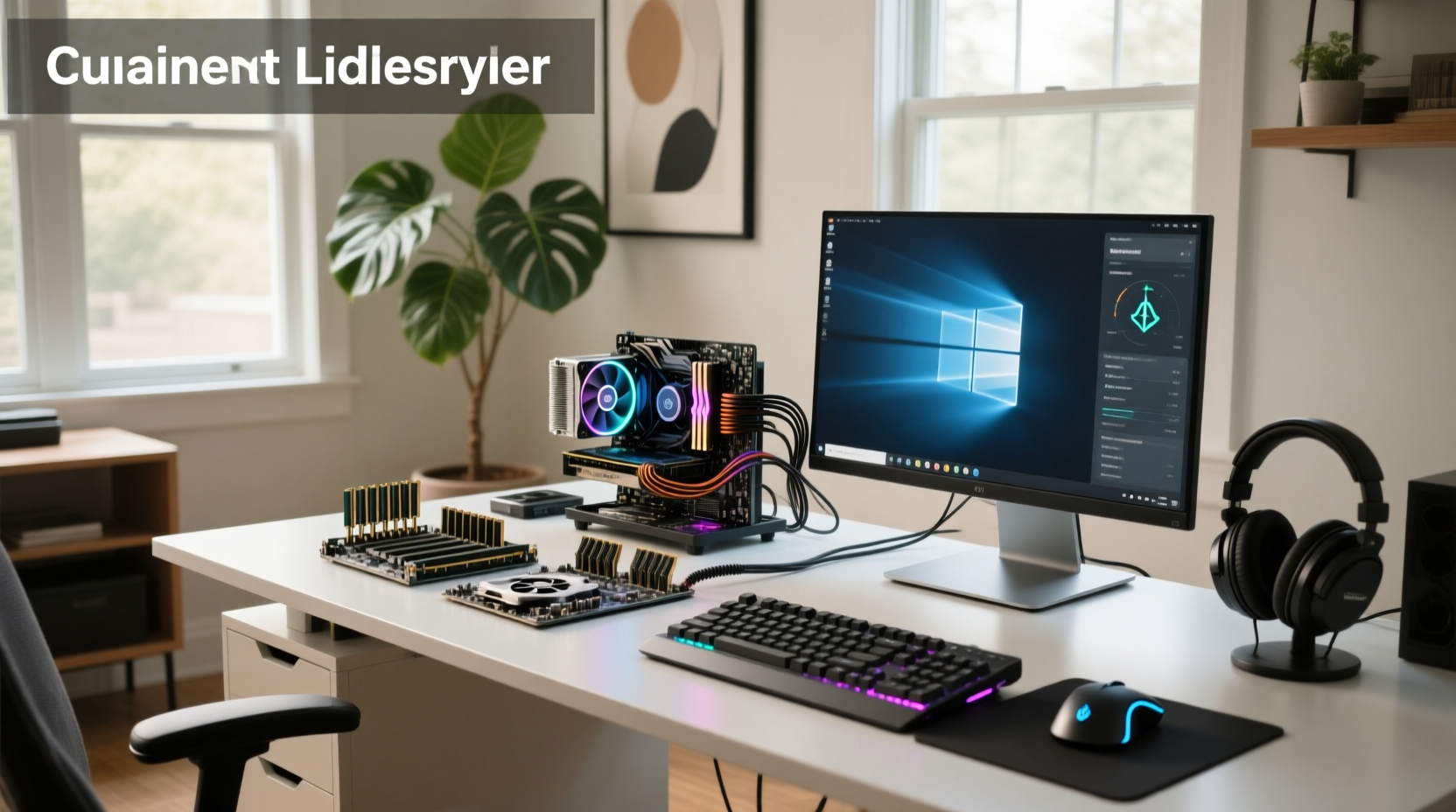
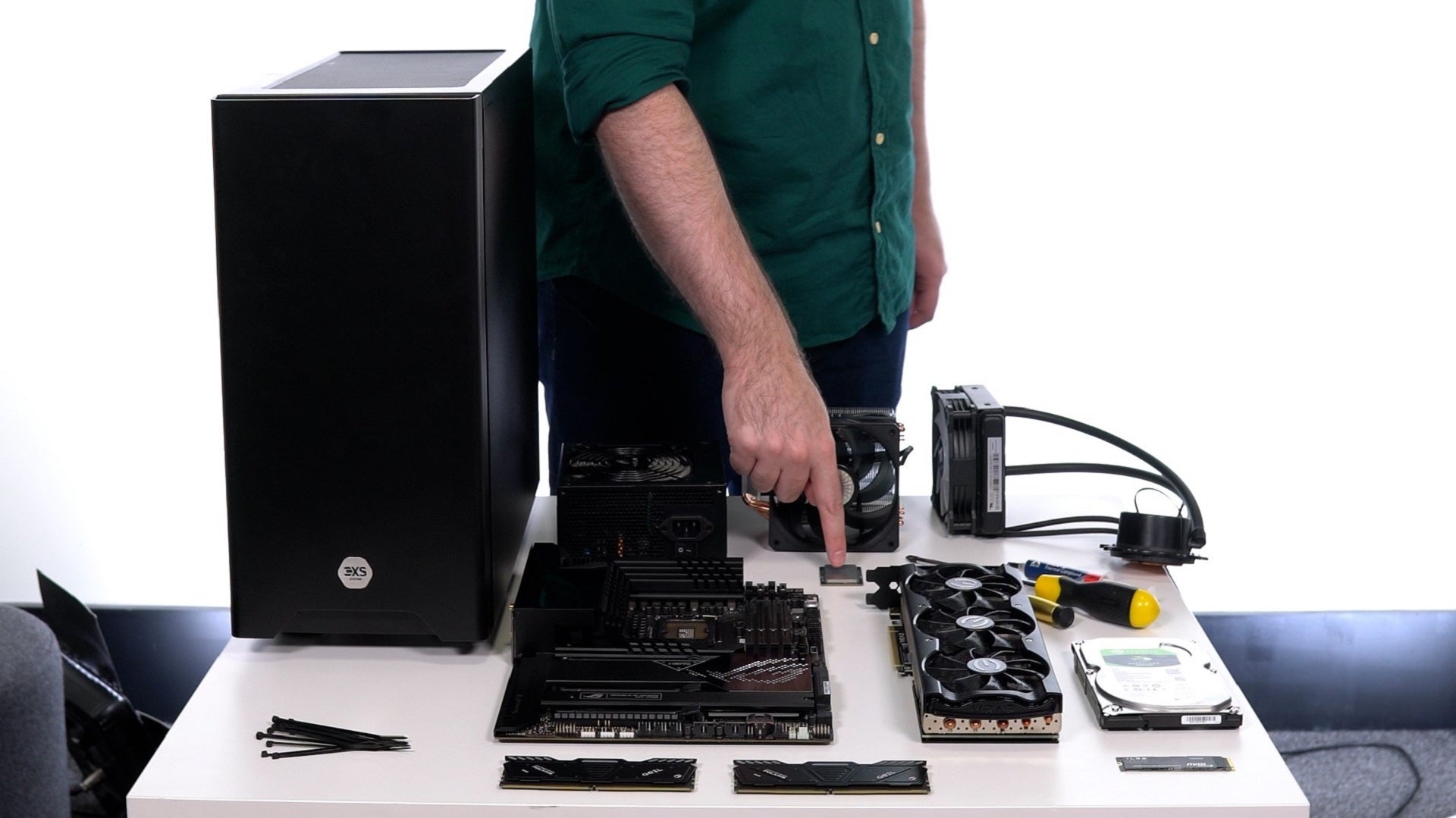
- Image of PC components laid out on a table for assembly
- Close-up of a CPU being installed on a motherboard
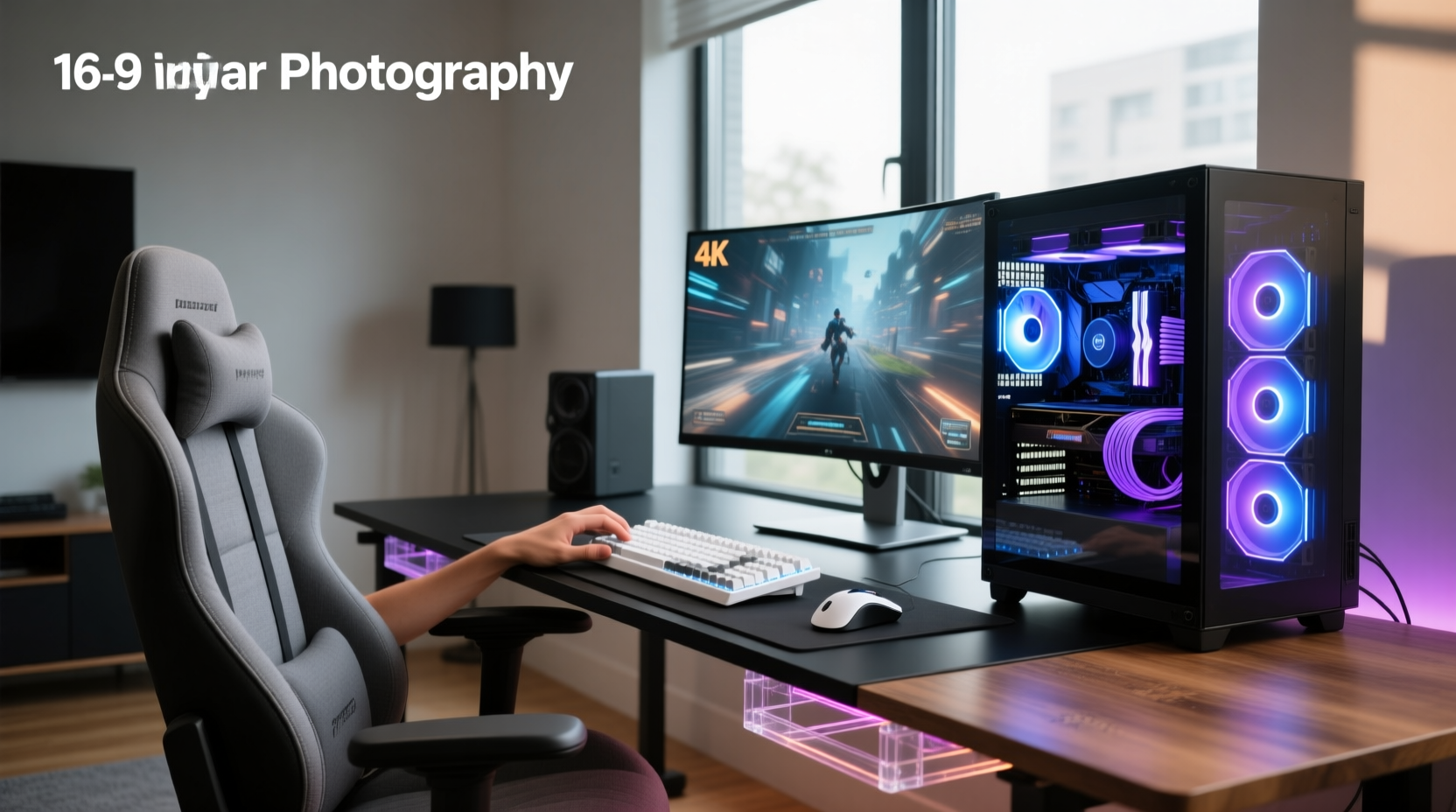
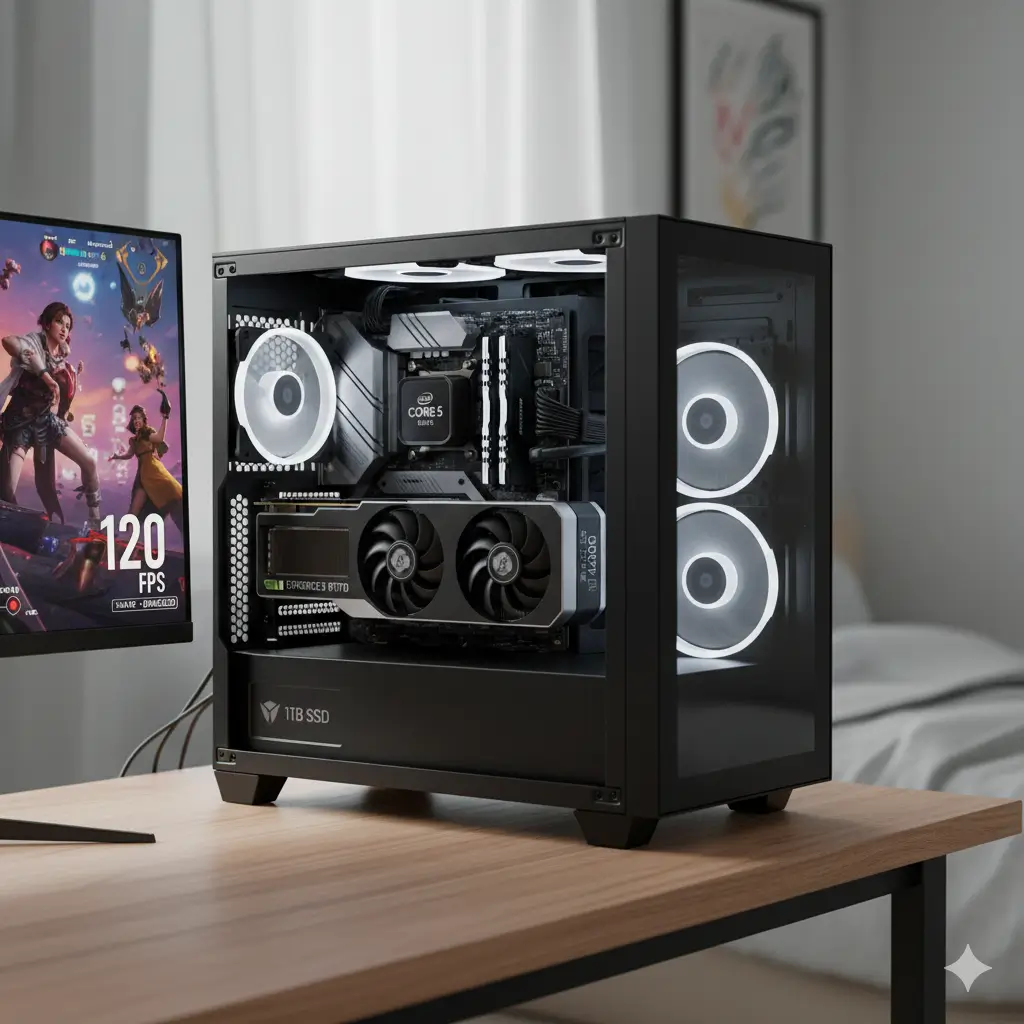
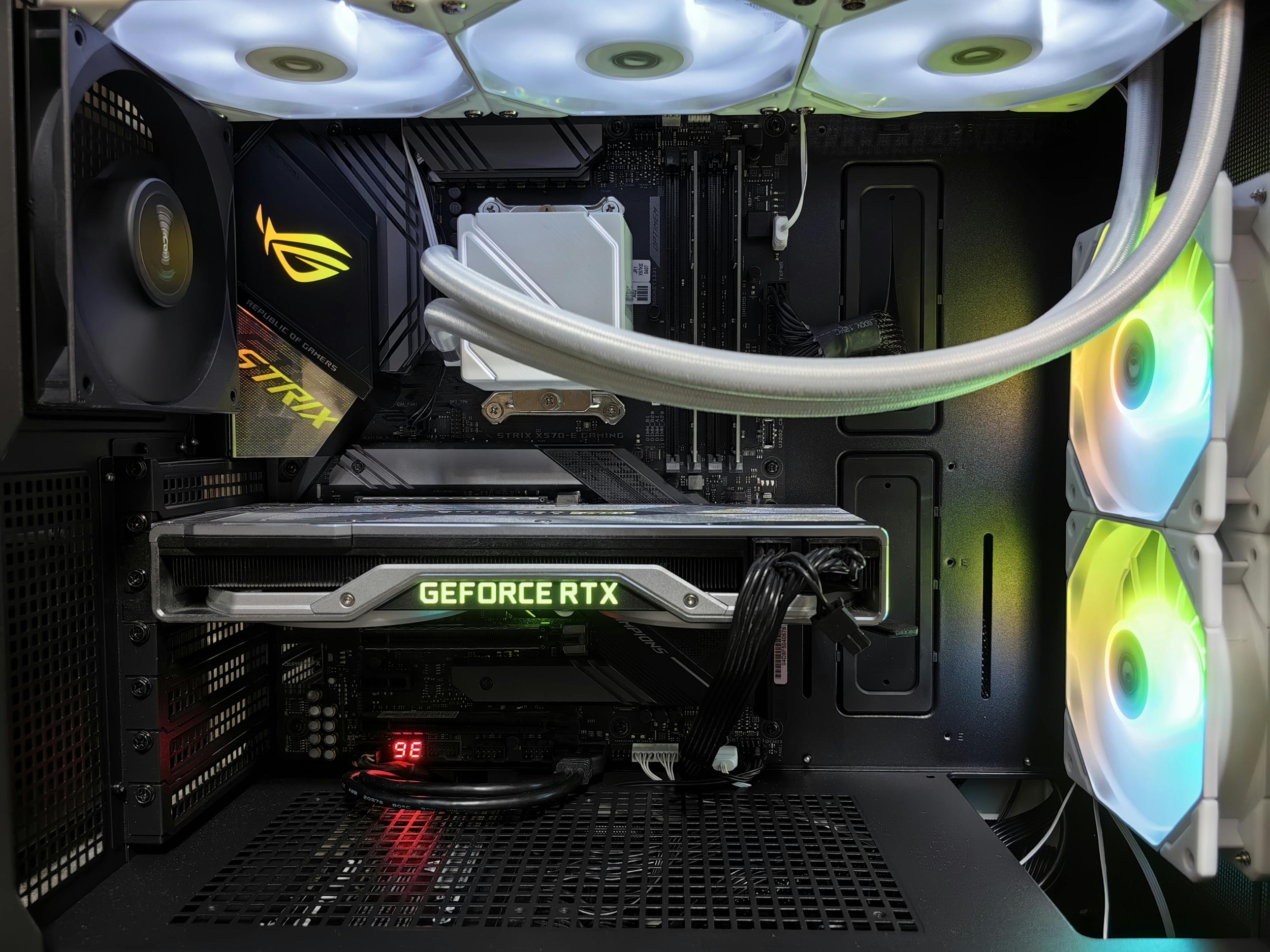
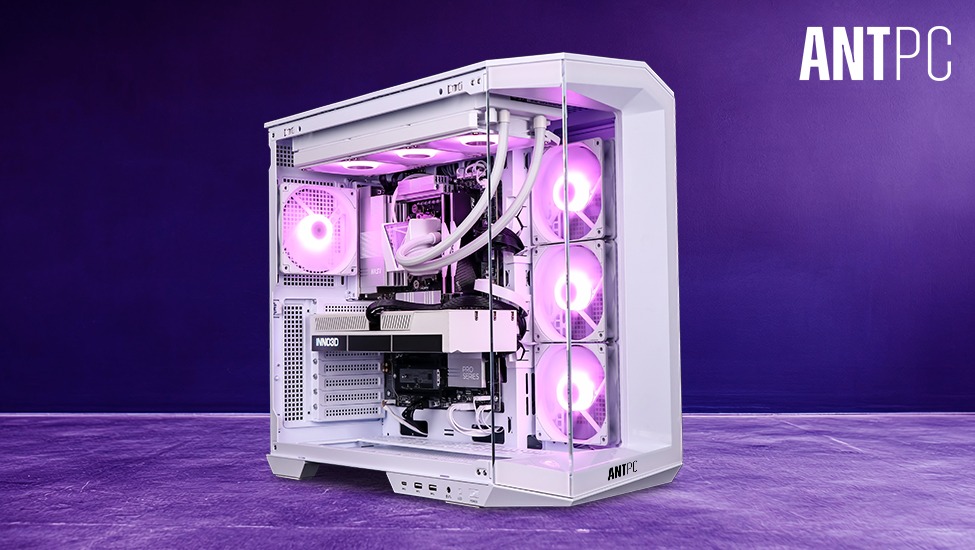
- A completed custom gaming PC setup with RGB lighting
- Table comparing different GPU models and their performance
Internal Link Suggestions:
- Link to an article on 'Best Gaming Headsets for 2026'
- Link to a 'Top 5 Budget Gaming Monitors' post
External Link Suggestions:
- Link to an official CPU manufacturer website (e.g., Intel or AMD)
- Link to a reputable PC component retailer (e.g., Newegg or Amazon)
Conclusion: Your Gaming Odyssey Starts Now!
Learning how to build your gaming PC is more than just a technical project; it's an investment in your passion. It's about taking control of your gaming experience and building a machine that truly reflects your needs and aspirations. So grab your screwdriver, dive into the research, and get ready to forge your ultimate gaming companion. The satisfaction of powering on your self-built rig for the first time is unmatched! What are you waiting for? Share your build plans in the comments below, or tell us about your first custom PC! Happy building and even happier gaming!
DIY Gaming PC Build Guide, Choose PC Components, PC Assembly Steps, Gaming PC Budget Tips, Optimize Gaming Performance, 2026 PC Building Trends, Troubleshooting Gaming PCs, Custom Gaming Rigs
35



How To Build A Gaming PC In 2026 Full Tutorial W Assembly BIOS . PC Project 2026 Where To Start With Building Your Own Gaming PC CCL CCL 667 BLOG BUILD GUIDE 1980x1080 . Best Gaming PC Builds For 2026 Best Gaming PC Builds For 2026.webp. How To Build A Gaming PC In 2026 Step By Gaming PC Guru How To Build A Gaming Pc 2026 Step By Step Hero . How To Build A PC In 2026 GEEKOM UK Pc Building Guide.webp

2026 Gaming PC Build Guide Finding The Best Value For Every Budget Efrr Gaming Pc Build Guide 2026 En . Beginner S Budget Gaming PC Build Guide How To Clean Your Gaming Pc 2026 Maintenance Guide Banner.webp. How To Build A Gaming PC Practical 2026 Guide . How To Build A Gaming PC In 2026 A Complete Step By Step Guide . How To Build Your PC In 2026 3 Complete Builds For Gaming Work 57 Large Default

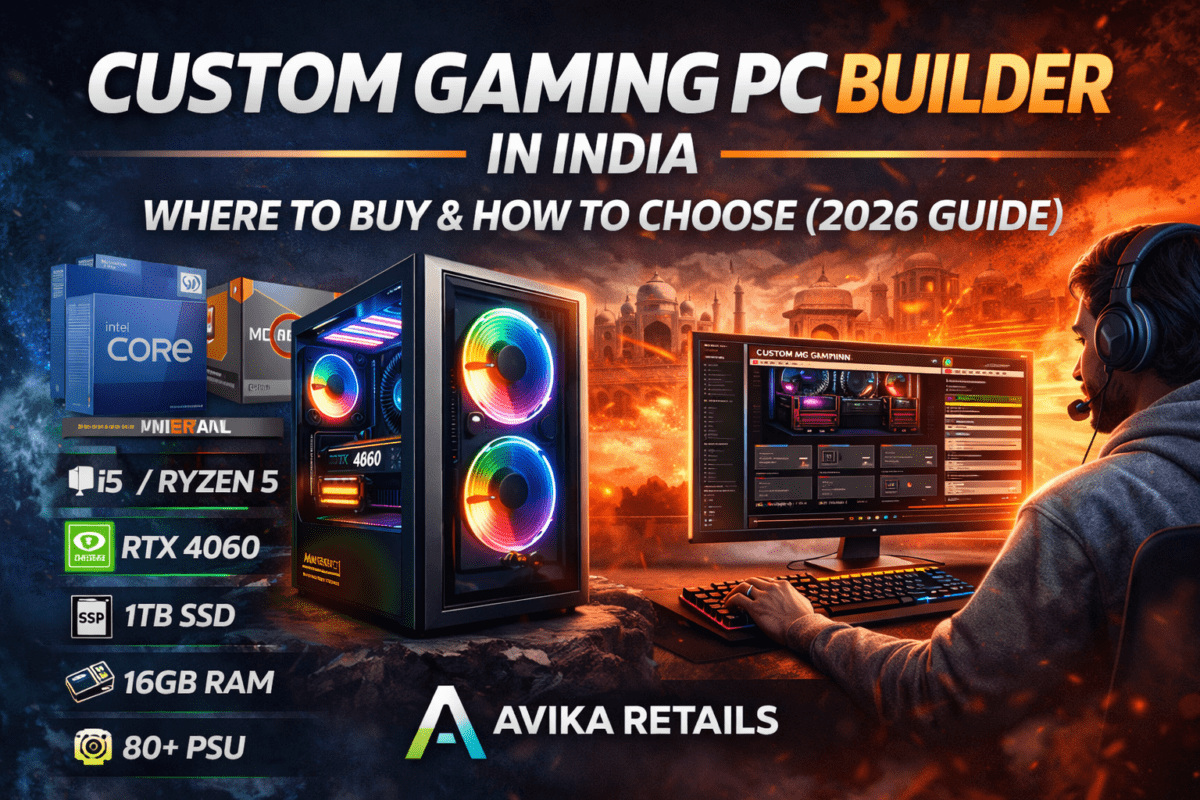


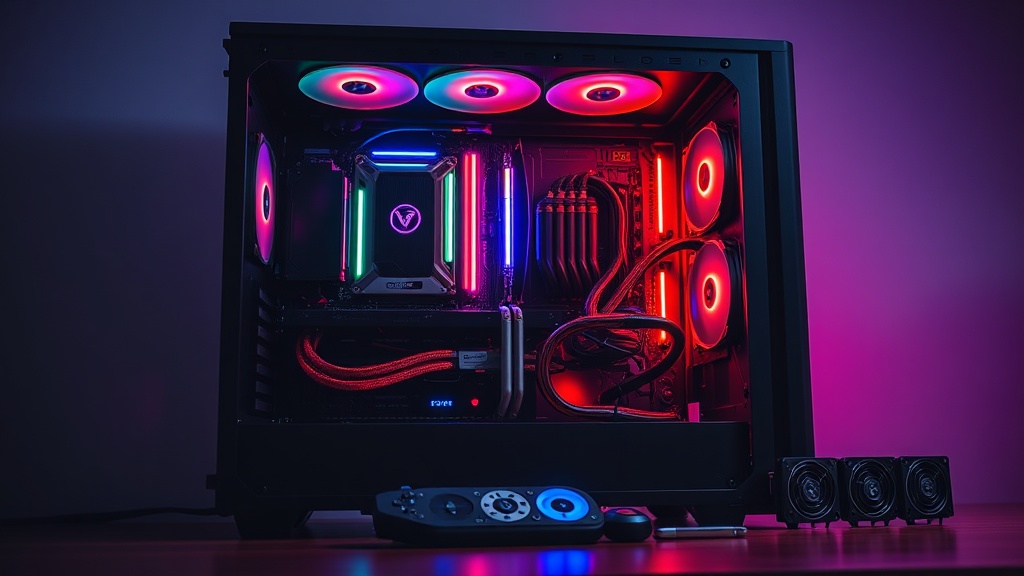
How To Build A Gaming PC 2026 Complete Beginner S Guide Switchblade How To Build Gaming Pc 2026.webp. Custom Gaming PC Builder In India Where To Buy How To Choose 2026 Custom Gaming PC Builder In India 1200x800 . Best Prebuilt Gaming PC 2026 1440p 4k Budget Best Gaming PC . How To Build A Gaming PC In 2026 Complete Beginner Guide How To Build Gaming Pc 2026 . How To Build A Gaming PC In 2026 Complete Parts Guide And Assembly Gaming Pc Build 2026 Hero
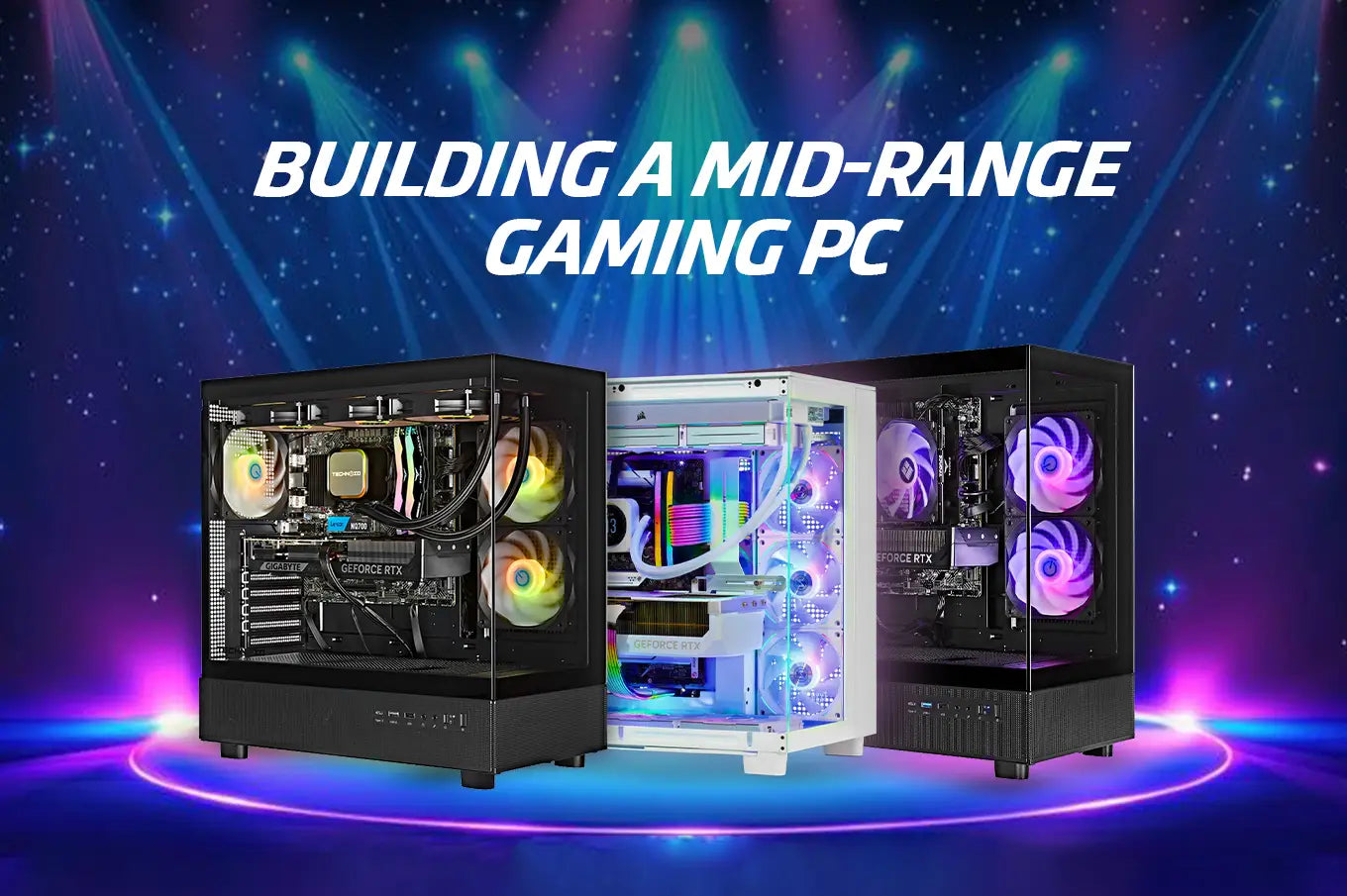

Best Budget Gaming Setup In 2026 Full Guide For Beginners Budget Friendly Gaming Setup In 2026 . Building Custom PC 2026 Complete Guide Components Steps And Tips Image. Best Processors For Gaming In 2026 For Every Budget Technoid Gaming PC Building A Mid Range Gaming PC In 2026 Specs And Tips.webp. How To Build Your Dream Gaming Setup In 2026 How To Build Your Dream Gaming Setup.webp. Seeking The Best Performance PC For Your Needs Best Gaming Pc The Apex Titan 2026.webp

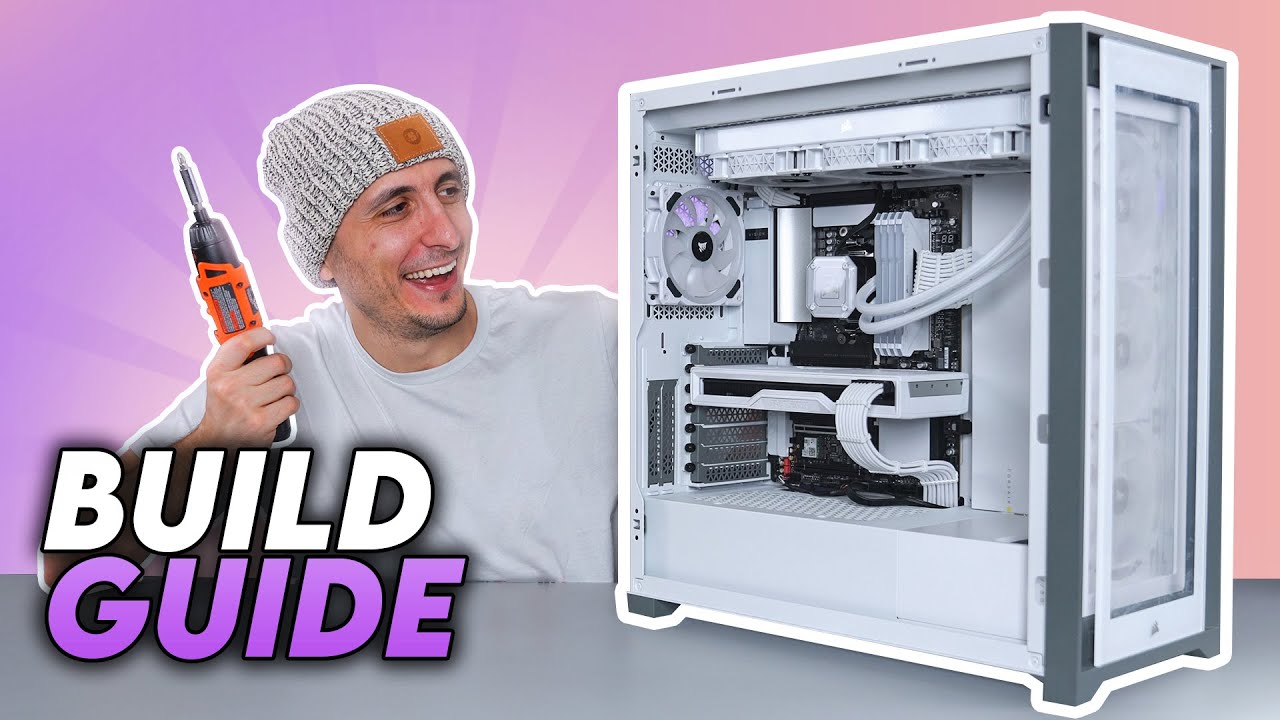

How To Build A PC Step By Step Ryzen Intel How To Build A . How To Build A PC Step By Step Full Build Guide YouTube . How To Build A Gaming PC 2026 Beginner Guide How To Build A Gaming Pc . Tech Guided Tech Guides PC Builds Hardware Reviews Best Budget Gaming PC Builds For 2026.webp. The Gaming PC You Need To Build For 2026

The Ultimate Gaming PC Build 2026 Guide By Xidax 1 Unnamed . Can You Really Build The Best 500 Gaming PC The Budget Gaming Pc 2026.webp. How To Build Gaming PC Guide 2026 Step By Step Budget Gaming PC 2026 Gaming Pc . Gaming Pc Build How To Build A Gaming PC Header . How To Build A Future Proof Gaming PC In 2026 Complete Custom Build Guide 1773043345



Building An Enthusiast Grade PC Build For 2026 GeekaWhat FI DM87 HAVN BF RTX 5090 Build . Gaming Desktop PC Guide 2026 Build The Ultimate Gaming Setup 2 2 3 . Pc Building Guide How To Build A Computer RCATL How To Build A Gaming Pc W Pointers . How To Build A Gaming PC The Ultimate Tech Guide TechMag Build A Gaming PC . Budget PC Build 2026 Complete Guide To Building Cheap Gaming PCs Budget PC Build 2026 Components Laid Out On Desk