Navigating the world of gaming on a MacBook can feel like a labyrinth, especially for the busy adult gamer balancing work, family, and a desire to unwind with a good game. This comprehensive guide cuts through the noise, helping you answer the crucial question: which MacBook for gaming is right for you in 2026? We dive deep into the performance of Apple Silicon M-series chips, game compatibility, optimization tips, and how to get the best value for your money. Whether you are a casual player looking for stress relief with cozy games or a dedicated enthusiast seeking to play the latest AAA titles via innovative solutions, this article provides practical, actionable advice. Discover how MacBooks are evolving into surprisingly capable gaming machines and learn how to maximize your fun without sacrificing your precious time or budget. Get ready to game smarter, not harder, on your Apple device.
Which MacBook is Best for Serious Gaming?
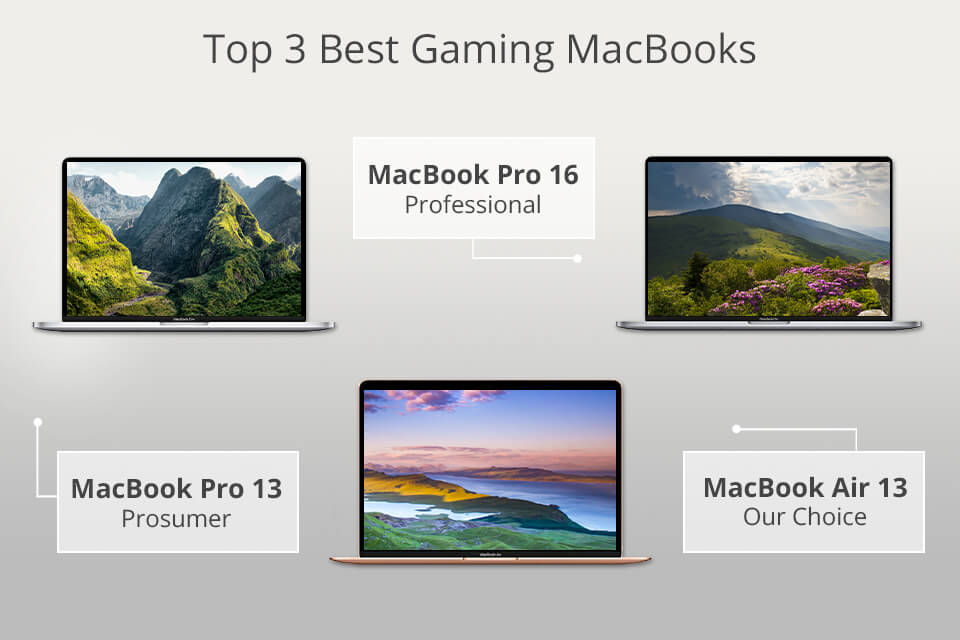
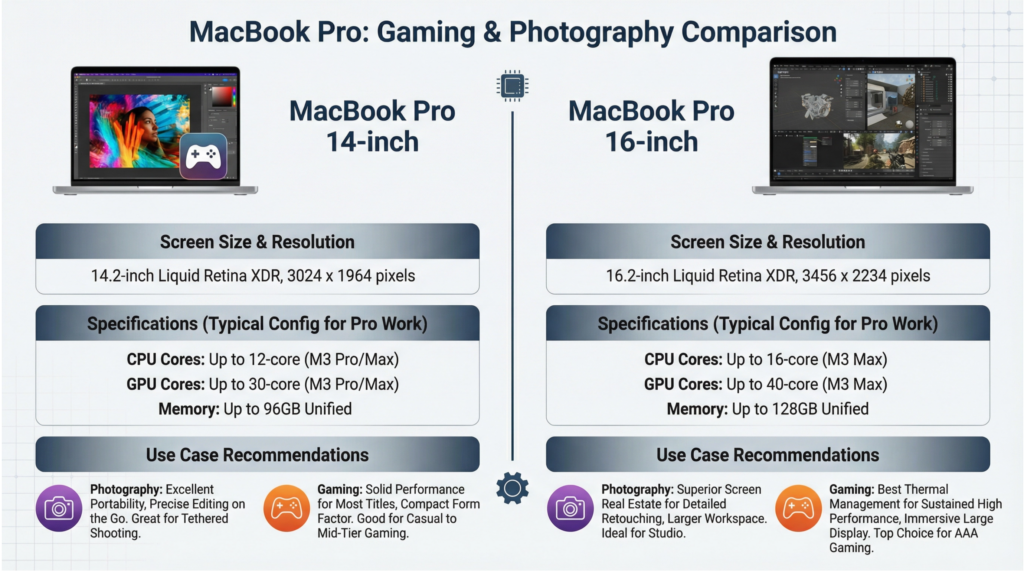
For gamers seeking peak performance, the MacBook Pro with an M3 Max chip is currently the top choice. Its superior GPU cores and unified memory handle demanding AAA titles with high frame rates and graphical settings, delivering a premium gaming experience.
Can the MacBook Air Handle Modern Games?
Yes, the MacBook Air with an M2 or M3 chip can absolutely handle a wide range of modern games, especially indie titles, Apple Arcade exclusives, and many older AAA games at respectable settings. It's an excellent choice for casual gamers or those on a budget looking for a portable and quiet gaming machine.
What Are the Biggest Limitations of Gaming on a MacBook?
The primary limitations are the still-smaller native game library compared to Windows PCs and the lack of upgradability. While compatibility has vastly improved with tools like Crossover and Game Porting Toolkit, some major titles may still require workarounds or not run optimally. Hardware cannot be upgraded post-purchase, making initial configuration crucial.
How Can I Improve Gaming Performance on My MacBook?
To boost performance, always ensure your macOS is up to date, close unnecessary background applications, lower in-game graphical settings (resolution, shadows, anti-aliasing), and consider using Game Mode. Utilizing external cooling solutions can also help prevent thermal throttling during extended sessions.
Are External GPUs (eGPUs) Still Relevant for MacBook Gaming?
No, external GPUs (eGPUs) are largely irrelevant for modern Apple Silicon MacBooks. Apple Silicon chips have their powerful GPU integrated directly into the SoC, and macOS no longer officially supports eGPUs for these models. Focus on getting a MacBook with a powerful M-series chip directly.
What Games Are Best Optimized for MacBook in 2026?
Many games are now natively optimized or run exceptionally well on Apple Silicon. This includes major titles like Baldur's Gate 3, Resident Evil Village, Lies of P, and a vast selection of games available on Apple Arcade. Additionally, titles compatible with Crossover or GPTK are seeing continuous optimization from the community and developers.
Is Cloud Gaming a Viable Option for Mac Users?
Absolutely. Cloud gaming services like GeForce Now, Xbox Cloud Gaming, and Amazon Luna are excellent options for Mac users, especially if you want to play Windows-exclusive AAA titles without any compatibility issues or demanding hardware. These services stream games directly to your MacBook, requiring only a stable internet connection and a compatible browser or app.
Hey fellow gamers! If you are anything like me, you are probably balancing a job, a family, and all of life’s demands, but still crave that precious time to jump into a virtual world. Gaming for us isn't just about killing time; it's about unwinding, connecting with friends, building skills, or simply escaping the daily grind. For years, the idea of a MacBook for gaming was almost laughable, right? It was the domain of creative professionals, not fragging enthusiasts. But in 2026, things have shifted dramatically. Apple Silicon chips have changed the game, making the question of which MacBook for gaming a legitimate and exciting one.
We know the pain points: dealing with setup issues, struggling with performance, finding games that fit limited playtimes, or wondering if a hardware upgrade is truly worth it on a budget. As US gamers, roughly 87% of us game regularly, often dedicating 10 or more hours a week to our passion. We value performance, but also smart spending and seamless experiences. This guide is for you, the adult gamer looking to unlock your MacBook’s potential, find amazing new experiences, and keep up with trends without falling for the hype. Let’s dive in and figure out which MacBook for gaming truly suits your lifestyle.
Is a MacBook Actually Good for Gaming Now in 2026?
Yes, absolutely. In 2026, MacBooks, particularly those powered by Apple Silicon (M1, M2, M3 series), have become surprisingly capable gaming machines, especially compared to their Intel predecessors. The integrated graphics within these chips are highly efficient and powerful, capable of running many modern titles at respectable frame rates. While they might not always match the raw power of a top-tier dedicated gaming PC with a discrete GPU, they offer a compelling experience for a significant portion of the gaming library.
The key has been Apple's continued investment in Metal API, Game Porting Toolkit (GPTK), and the growing support from game developers. More titles are being optimized natively for Apple Silicon, and solutions like Crossover allow many Windows-native games to run remarkably well. For the average gamer who enjoys social, casual, or even many demanding single-player experiences, a modern MacBook can certainly deliver.
Which MacBook Model is Best for Serious Gaming?
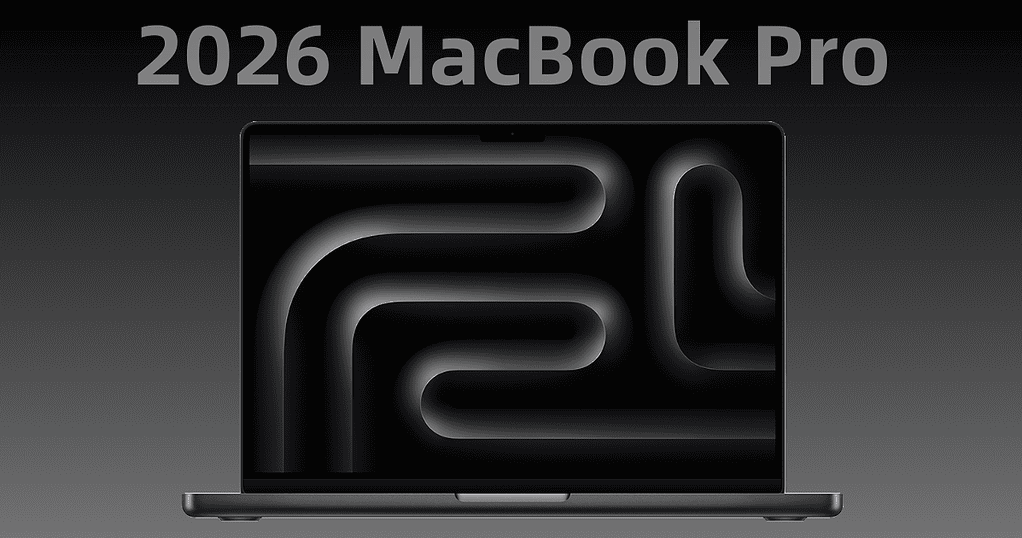
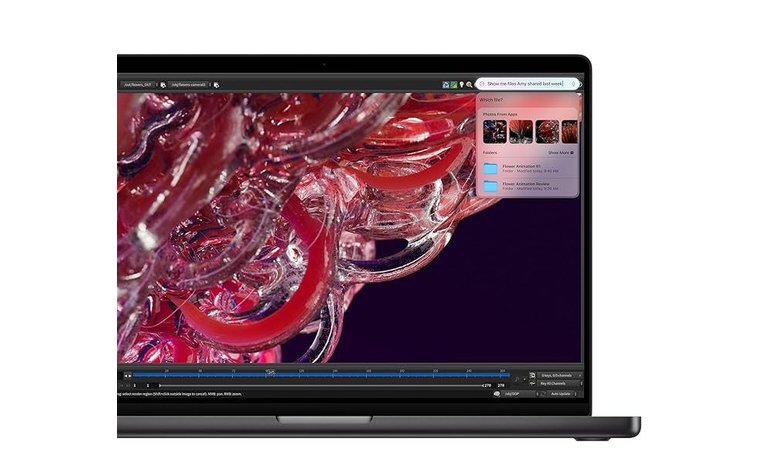
For serious, uncompromised gaming on a MacBook, the clear winner is the **MacBook Pro with an M3 Max chip**. This configuration offers the highest number of GPU cores, maximum unified memory, and advanced features like hardware-accelerated ray tracing, providing the best possible performance for the most demanding games. You will see significantly higher frame rates and better graphical fidelity, making it suitable for playing AAA titles at higher resolutions and settings.
If the M3 Max is out of budget, the **MacBook Pro with an M3 Pro chip** is a fantastic second choice. It still packs a serious punch with excellent GPU performance, making it capable of running most games smoothly. For the gamer who wants to push boundaries without buying a dedicated gaming rig, these Pro models are your best bet.
What About Budget-Friendly MacBooks for Casual Gaming?
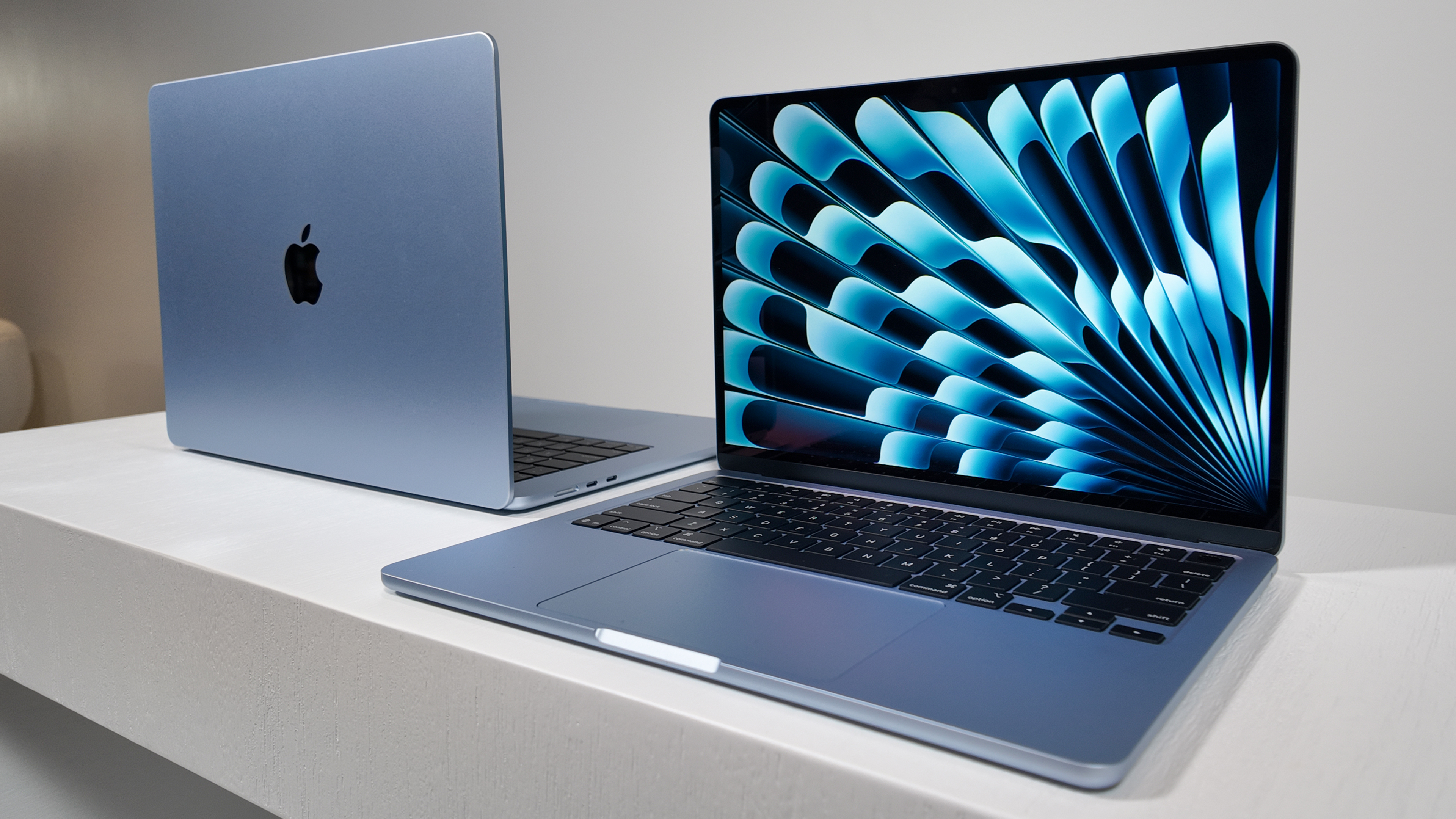
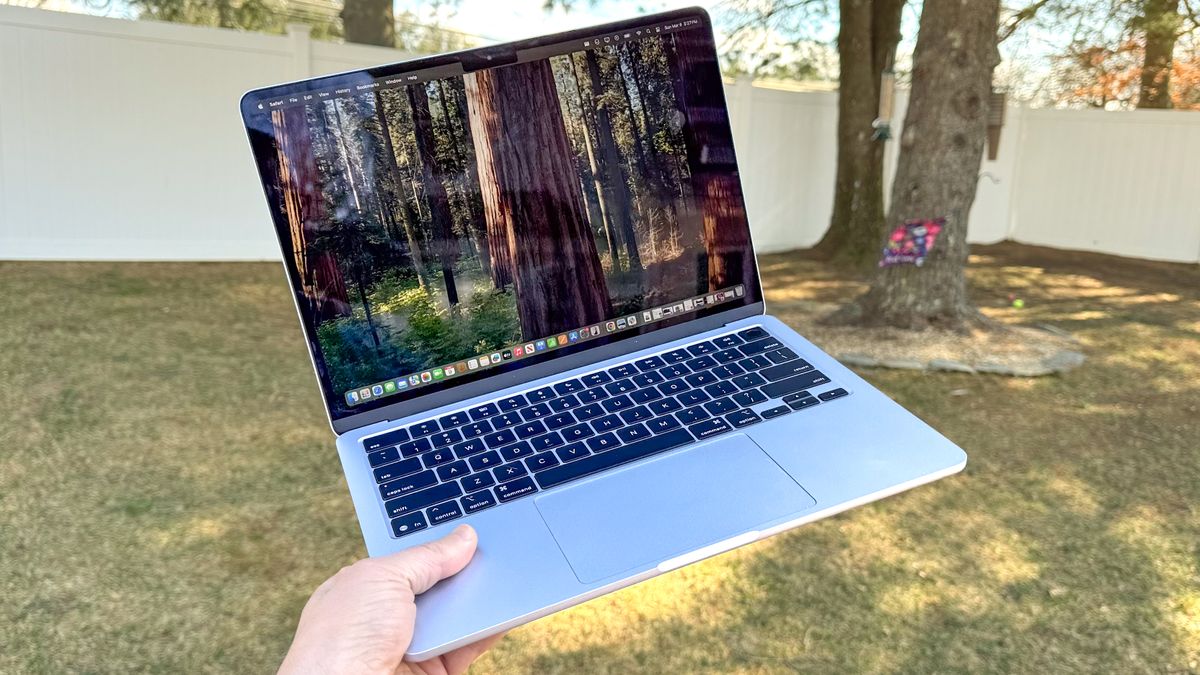
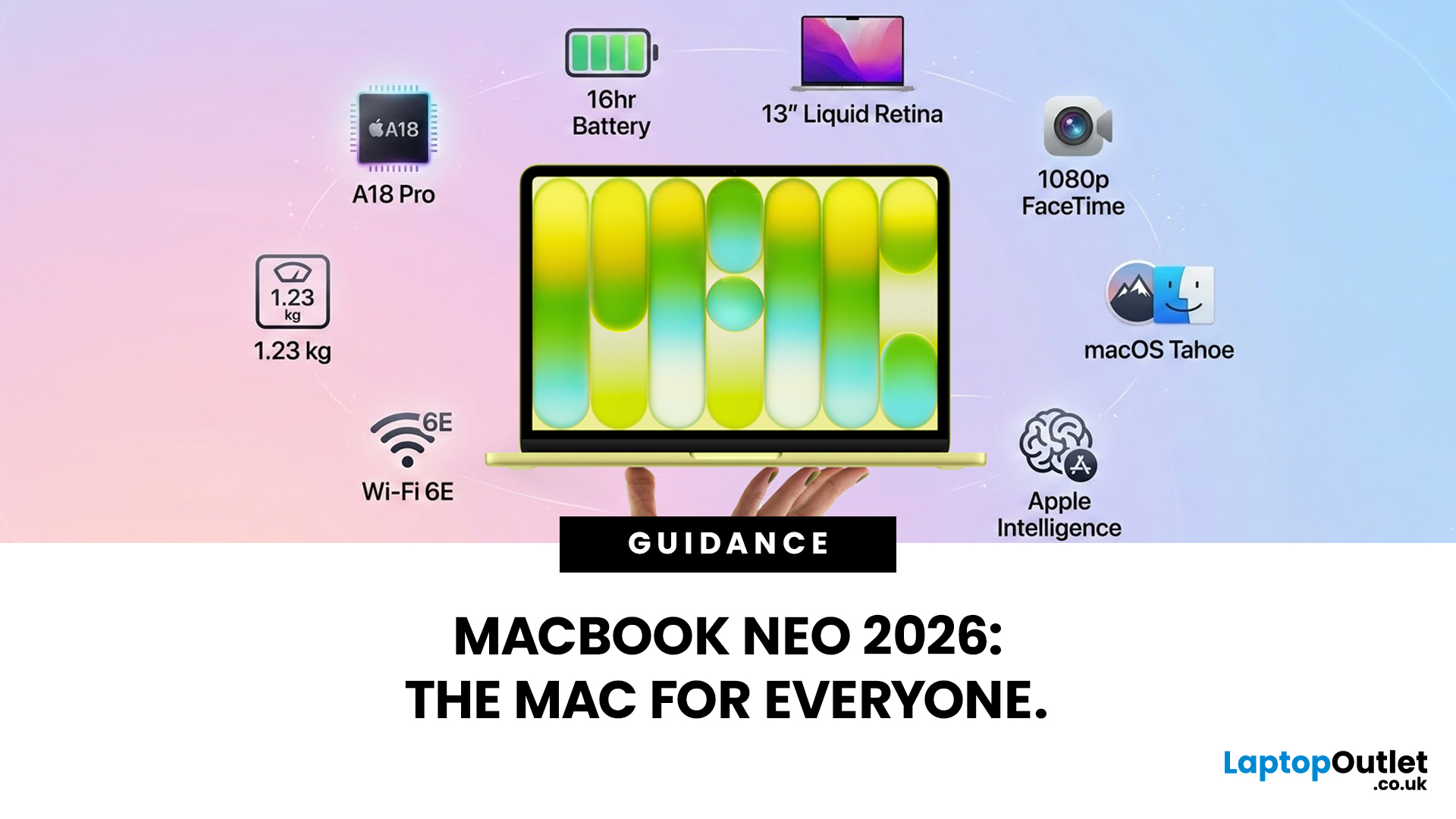
You don't need to break the bank to enjoy gaming on a MacBook. For budget-conscious or casual gamers, the **MacBook Air with an M2 or M3 chip** offers excellent value. These models are incredibly portable, silent (fanless design), and perfectly capable of running a wide array of games, including popular titles on Apple Arcade, indie gems, and many older AAA games.
While they won't hit ultra settings on the newest blockbusters, they excel at delivering smooth performance for less demanding games, cooperative experiences with friends, and the increasingly popular category of 'cozy games' perfect for unwinding after a long day. You can also comfortably play many PC games through Crossover or GPTK with adjusted settings. It's a smart choice for balancing gaming fun with life's other financial priorities.
How Do Apple Silicon Chips Impact MacBook Gaming Performance?
Apple Silicon chips are revolutionary for MacBook gaming because they integrate the CPU, GPU, and unified memory onto a single system-on-a-chip (SoC). This architecture dramatically reduces latency and increases data transfer speeds compared to traditional Intel-based Macs with separate components. The unified memory is particularly impactful, allowing both the CPU and GPU to access the same pool of high-bandwidth memory instantly, which is highly beneficial for gaming workloads.
Furthermore, Apple's GPU designs are incredibly efficient, delivering strong performance per watt. This means less heat generation and better sustained performance, crucial for longer gaming sessions. The latest M3 chips, in particular, bring hardware-accelerated ray tracing and dynamic caching, pushing graphical capabilities closer to dedicated gaming hardware and making the
MacBook Pro with M3 Max is top tier for gaming, M2 and M3 series offer solid performance for many games, game compatibility improving with Crossover and GPTK, optimization tips for best frame rates, balancing gaming with life strategies, value for money considerations for Mac gamers, social gaming trends and Mac compatibility, future of Apple Silicon gaming is bright.
35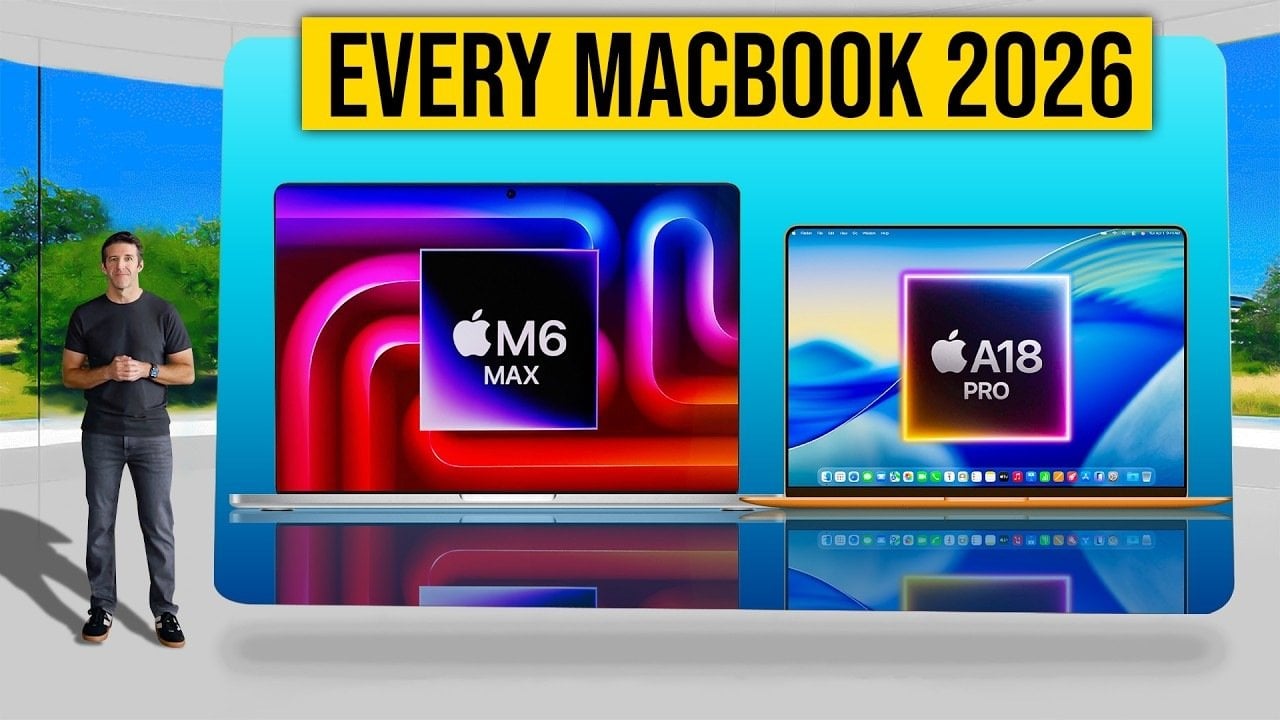
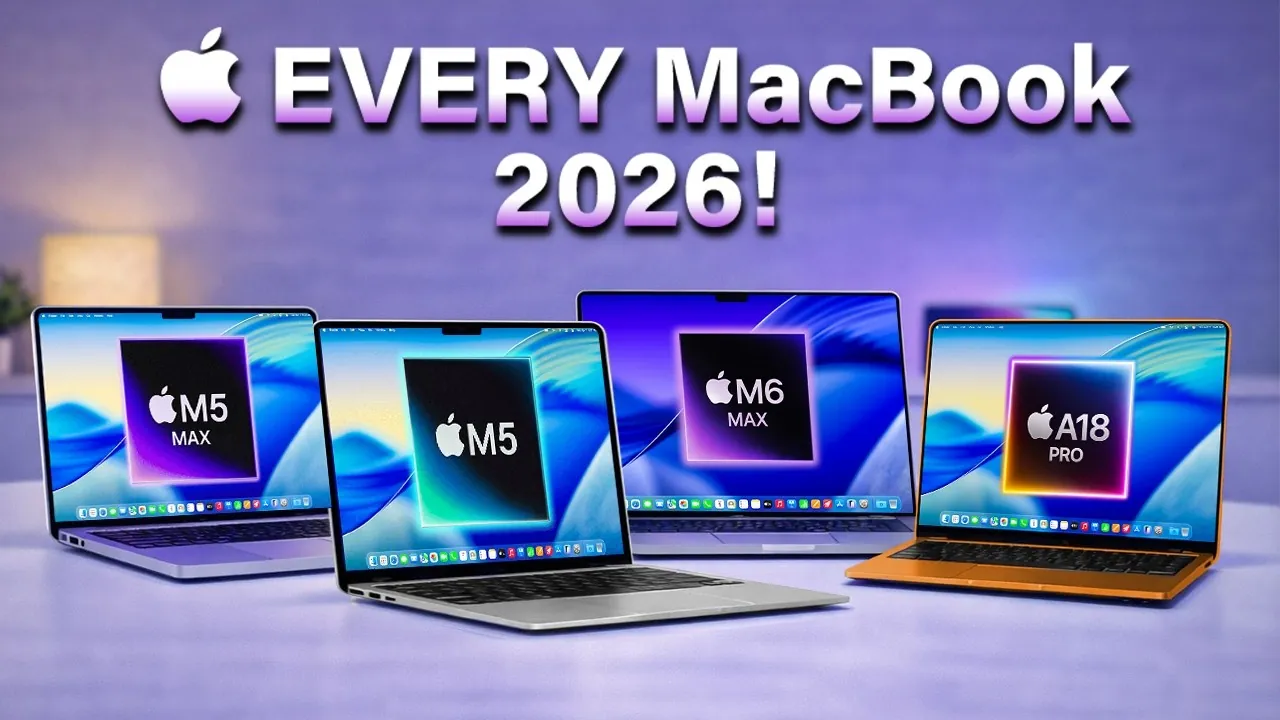
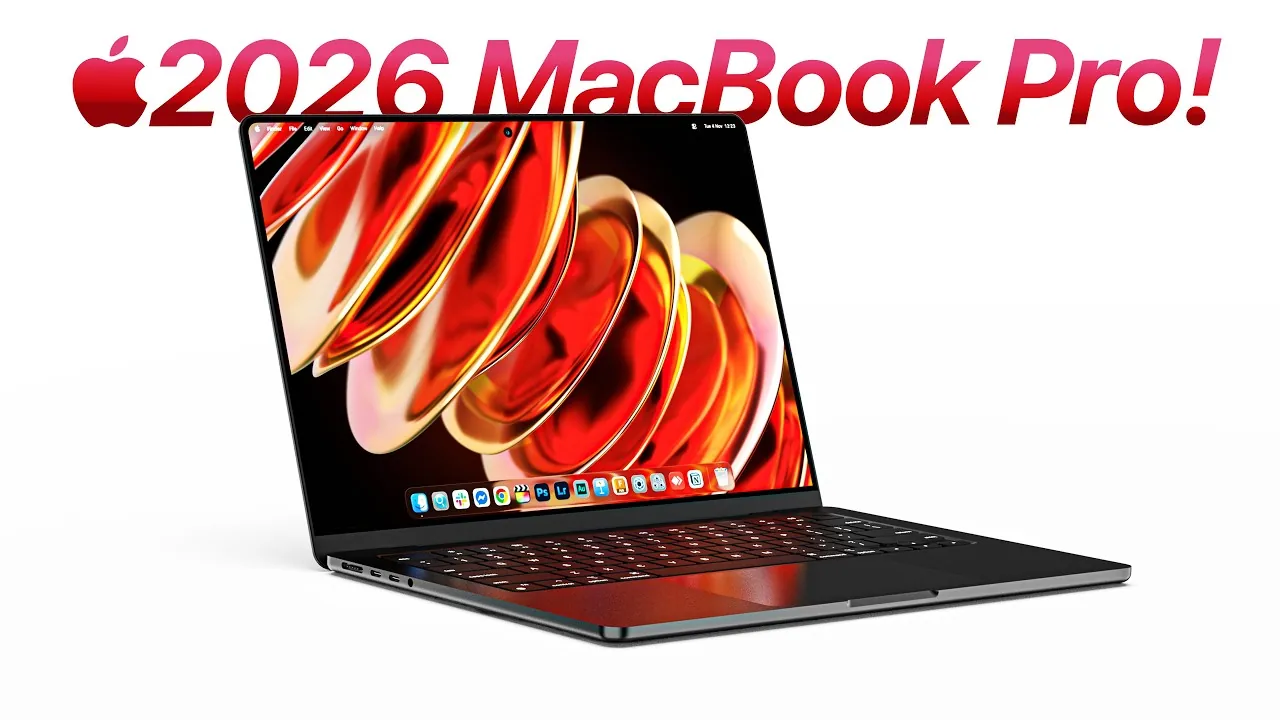
What To Expect From Apple S 2026 MacBook Lineup Geeky Gadgets 2026 Macbook Lineup Performance Upgrades Optimized . Apple 2026 MacBook Lineup Budget M5 Air And OLED Pro Geeky Gadgets Apple 2026 Macbook Lineup Budget To Oled Optimized . Apple 2026 MacBook Lineup Features Specs And More Geeky Gadgets Macbook Pro M5 Max Performance 2026.webp. Apple S Entire Mac Lineup Until 2026 Revealed In Leak Here S Every . Apple S 2026 MacBook Pro Everything You Need To Know Geeky Gadgets Macbook Pro 2026 Oled Display


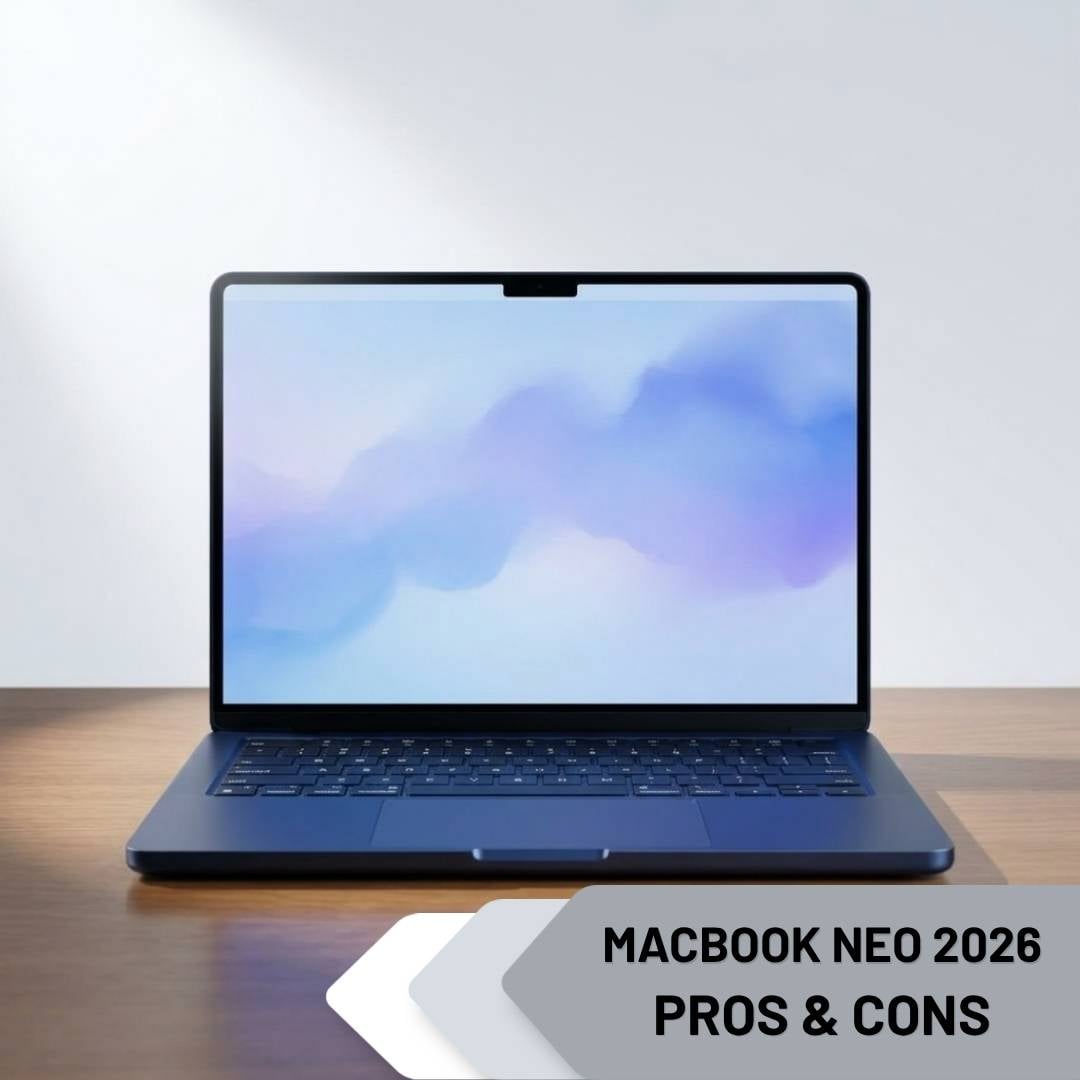
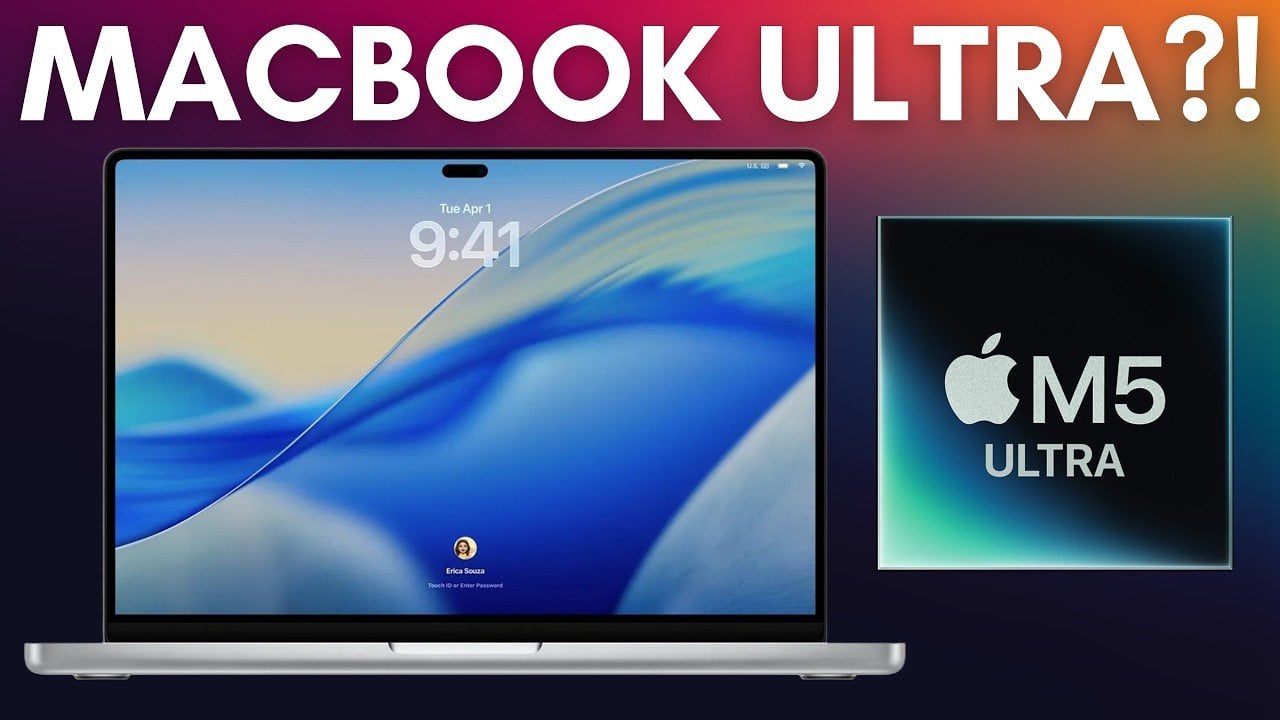
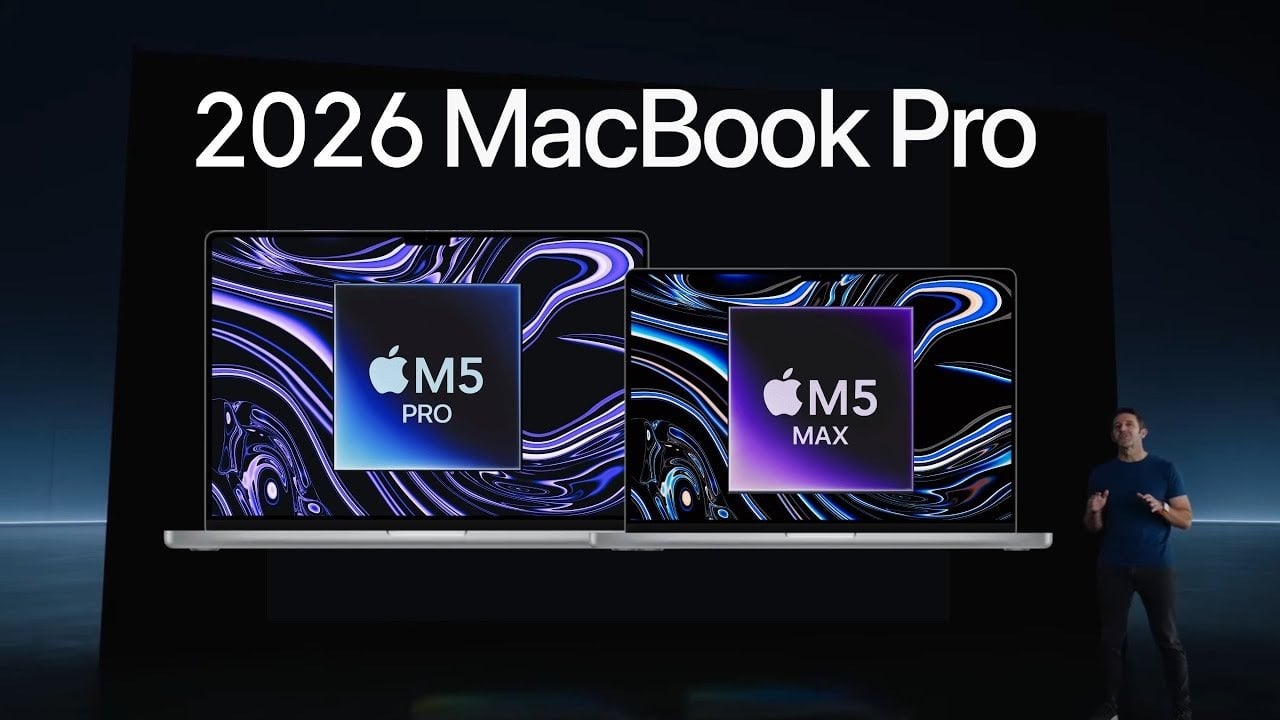
MacBook Vs Windows 2026 MacBook Vs Windows 2026.webp. Apple S 2026 MacBook Pro Roadmap M5 Pro Max In Spring M6 With OLED Apple MacBook Pro 2026 Roadmap M5 M6 OLED Touchscreen 20260126 193004 . MacBook Neo 2026 Pros And Cons MACBOOK NEO 2026 PROS CONS . MacBook Ultra 2026 Leaks OLED Touchscreen M6 Chip Price Geeky Gadgets Q4 2026 Macbook Ultra Price Rumor . 2026 MacBook Pro Rumors M5 Pro M5 Max Updates Explained Geeky Gadgets 2026 Macbook Pro Rumors M5 Chips Optimized

MacBook Air M5 Vs M4 What S Different In 2026 MacBook Air Design Features What S New In 2026 . Apple 2026 MacBook Lineup Features Pricing And More Geeky Gadgets. Apple MacBook 2026 Performa Chip M5 M6 OLED Desain Tipis Pilihan Apple MacBook 2026 Performa Chip M5M6 OLED Desain Tipis . Harto Del Notch Del MacBook Pro Podr A Desaparecer Cuando Aparezca La . Apple S OLED MacBook Pro 2026 Everything We Know So Far Geeky Gadgets Oled Macbook Pro 2026 Display Leaks Optimized
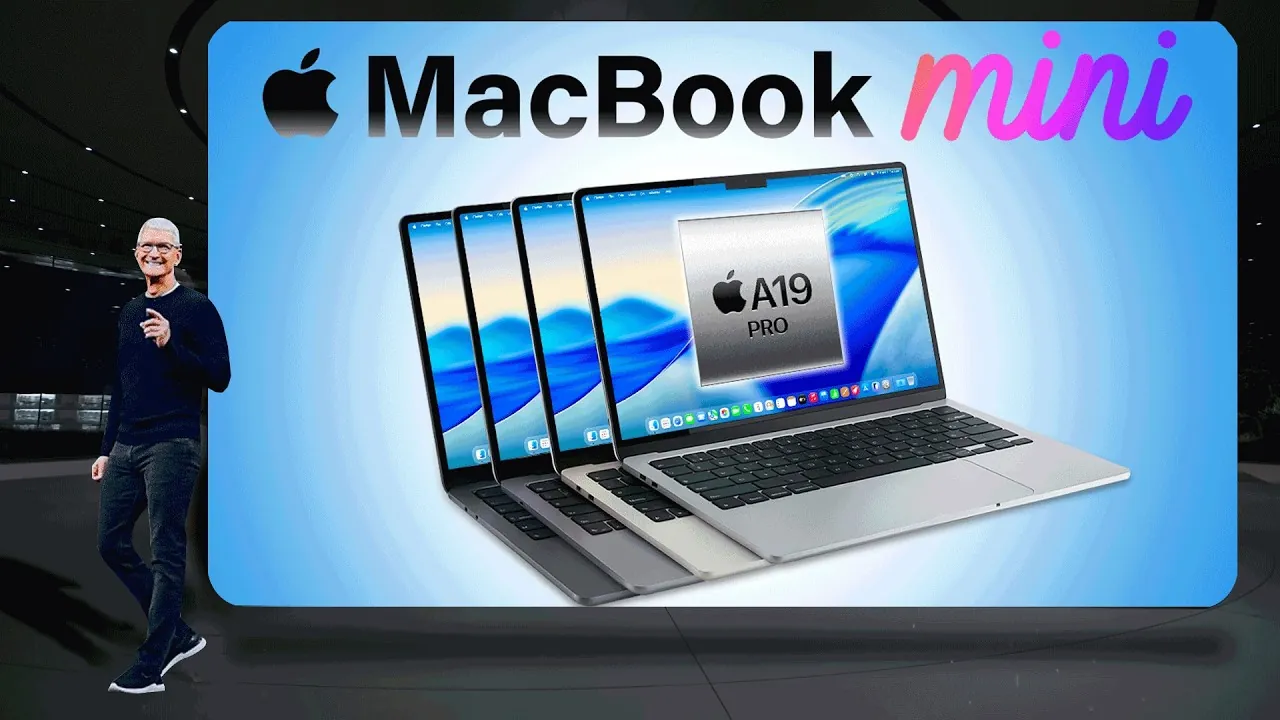


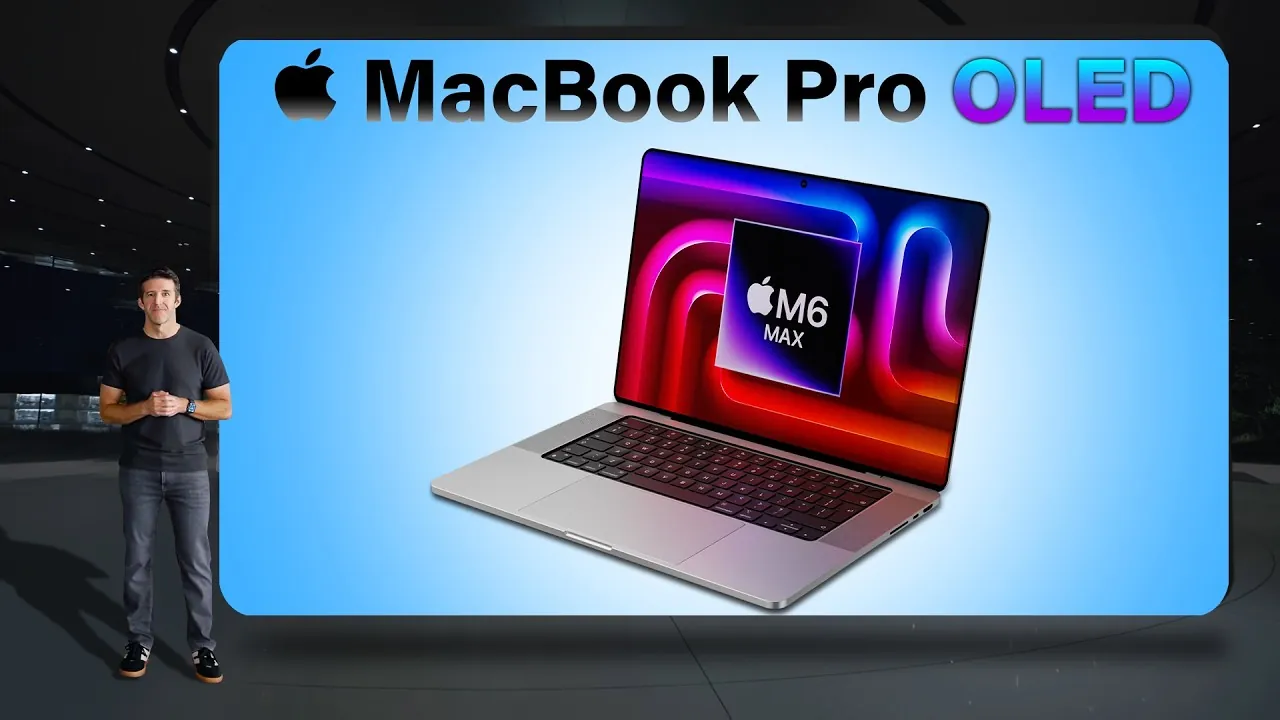

MacBook Mini 2026 Everything You Need To Know Geeky Gadgets Macbook Mini 2026 Student Laptop. 7 Best MacBooks For Gaming In 2026 For You Eneba Hub Best Macbook For Gaming 1024x574 . Everything We Know About The 2026 OLED MacBook Pro Geeky Gadgets Macbook Pro Touchscreen Leak 2026.webp. 2026 MacBook Pro Apple S OLED Revolution Geeky Gadgets Macbook Pro 2026 Oled Display. 7 Best MacBooks In 2026 Top Models For Every User Best Macbook 1024x574
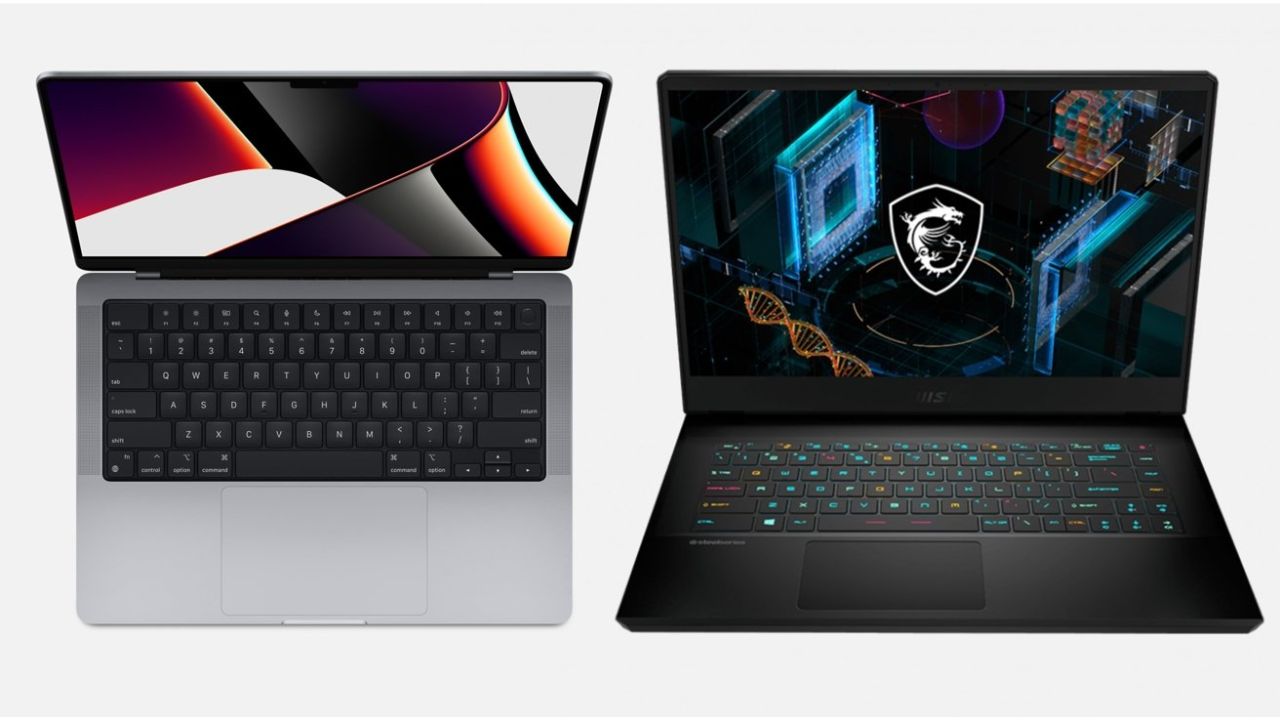
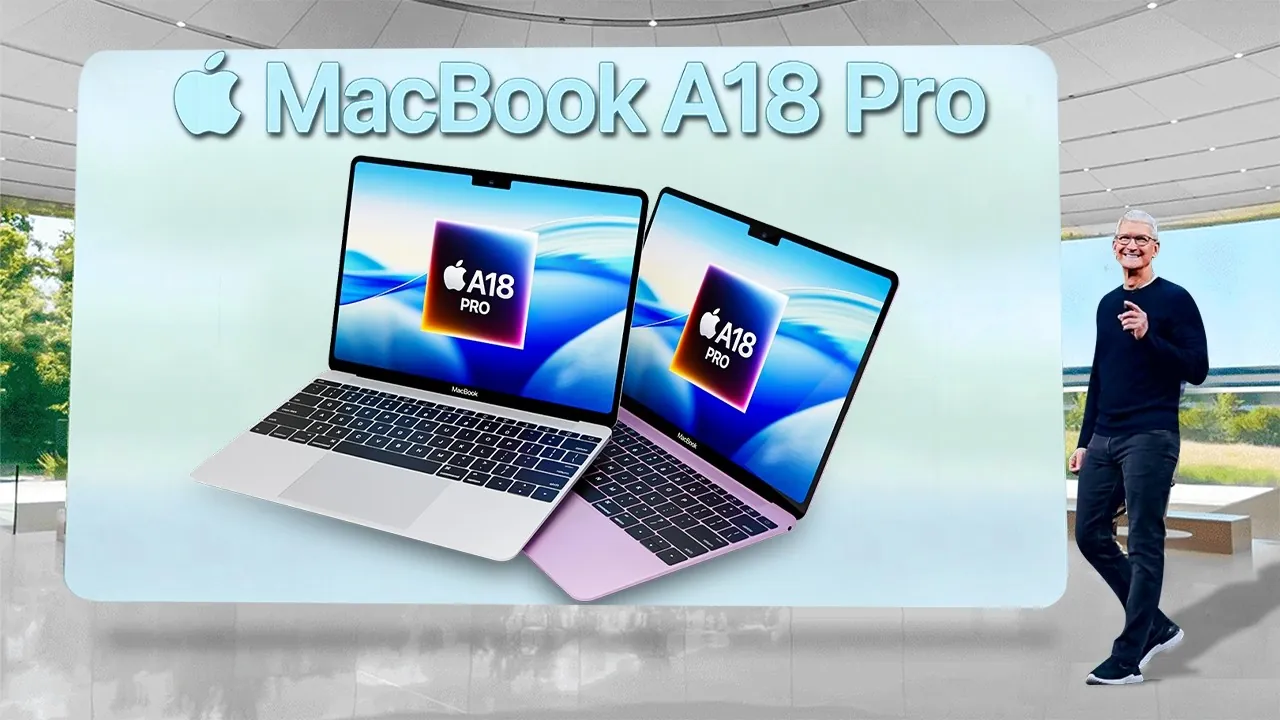
Macbook Vs Gaming Laptop 2026 Do It Something Untitled Design 2025 02 . Affordable MacBook 2026 Price Features And Why It S Perfect Geeky Compact Design Budget Macbook 2026.webp. 2025 Vs 2026 MacBook Pro Comparing The Upcoming M5 And M6 Models 2026 MacBook Pro Rumors 1024x538 . M5 MacBook Air Reportedly Coming Spring 2026 Plus The Missing MacBook 1200 80 . MacBook Neo 2026 Everything You Need To Know MacBook Neo 2026 Everything You Need To Know


Guide Which MacBook Is Best For Gaming In 2026 Macbook Gaming 4. Guide Which MacBook Is Best For Gaming In 2026 Best Budget Laptops For Gaming 2026 1024x600 . Guide Which MacBook Is Best For Gaming In 2026 Best Gaming Macbook . Guide Which MacBook Is Best For Gaming In 2026 Best MacBook To Buy In 2026 . Guide Which MacBook Is Best For Gaming In 2026 Apple 2024 Macbook Pro Laptop Best Macbook For Gaming
Compare MacBook Pro 2026 14 Inch M5 Swappa Macbook Pro 2026 14 M5 Facebook . MacBook Pro Or Air Which Is The Best Choice In 2026 Beste Macbook 2026 Blogs Media D03cf1b4 B4c3 4d90 Bddf. Best MacBooks For Gaming 2026 M3 Max Vs M3 Pro Best Gaming MacBook 1024x572 . Apple 2026 MacBook Lineup Budget Air Pro And OLED Models Geeky 2026 MacBook Lineup . OLED MacBook Pro Still Expected For 2026 Possibly With Samsung S Help 64228 133776 61074 126018 60212 123651 58596 119421 000 Lead OLED MBP Xl Xl Xl Xl